

















Install your player · WhatsApp for a one-day free trial[email protected]

8K IPTV · service support

Series Categories and Episode Availability

Check title, season, episode and language in the current player catalogue.

Platform memberships and current account access are separate.

Channel categories · Start with the regional channels and languages you watch most. Check your essentials before ordering.
Read the full details

Channel categories

Find the sources

you come back to.

Start with the regional channels and languages you watch most. Check your essentials before ordering.

Check current channels, titles and events. Platform memberships are separate.

EXPLORE CATEGORIES

CHANNEL CATEGORIES

Start with the regional channels and languages you watch

most. Check your essentials before ordering.

PLATFORMS & BROADCASTERS

SPORTS & EVENTS

Check current channels, titles and events • Platform memberships are separate.

Start with the regional channels and languages you watch most.

Check your essentials before ordering.

Check sources and titles. Platform memberships are separate.

PLAYER & ACCOUNT

YOUR PLAYER. YOUR VIEWING.

Check current channels, titles and events. Platform memberships are

separate.

Explore platforms. Find your competition.

Search or scroll both complete collections: 698 OTT/provider identities and 113 sports identities.

Open the logo bands ↗

Names and marks identify viewing subjects. Separate memberships, source availability and event access must be confirmed.

What this topic means

Season and episode listings may update independently from the player installation. Check the exact title and season before escalating a missing episode.

Artwork alone does not prove the completeness of a season.

A useful first check

Refresh the series area once, search an exact title and compare another series to determine whether the problem is local to one listing.
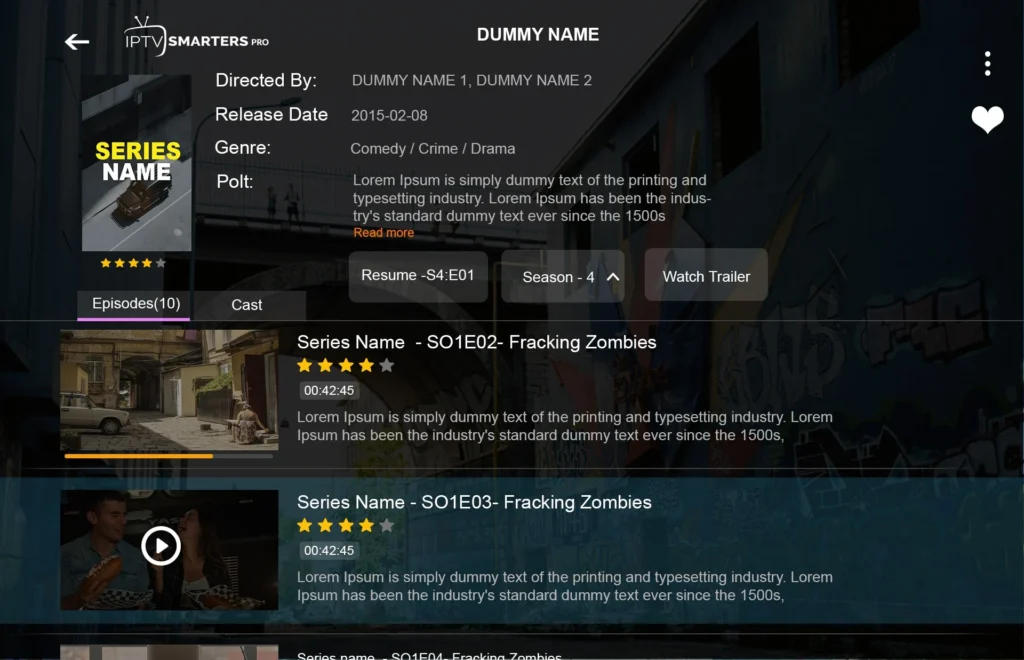
Series Seasons, Episodes and Metadata Refresh visual reference
The image provides viewing or interface context; it does not establish a live account entitlement.

Compare the result without losing the baseline

For viewing features, begin with the comparison described above. Preserve the current account and record whether the action changes the symptom, leaves it unchanged or causes a new problem. Revert a setting that does not help before trying another.

Artwork alone does not prove the completeness of a season. If the issued account format or current availability is unclear, ask support for that information before changing an installation. A correct diagnosis depends on the source and player, not just the title of a website guide.

Separate the service, player and device

The service account sets the term and connection allowance. The player organises and decodes the available media. The device and network determine which supported playback route you can use. Refresh the series area once, search an exact title and compare another series to determine whether the problem is local to one listing.

What to confirm before a longer commitment

Refresh the series area once, search an exact title and compare another series to determine whether the problem is local to one listing.

Find your next step

Player, account or subscription?

Explore this viewing option

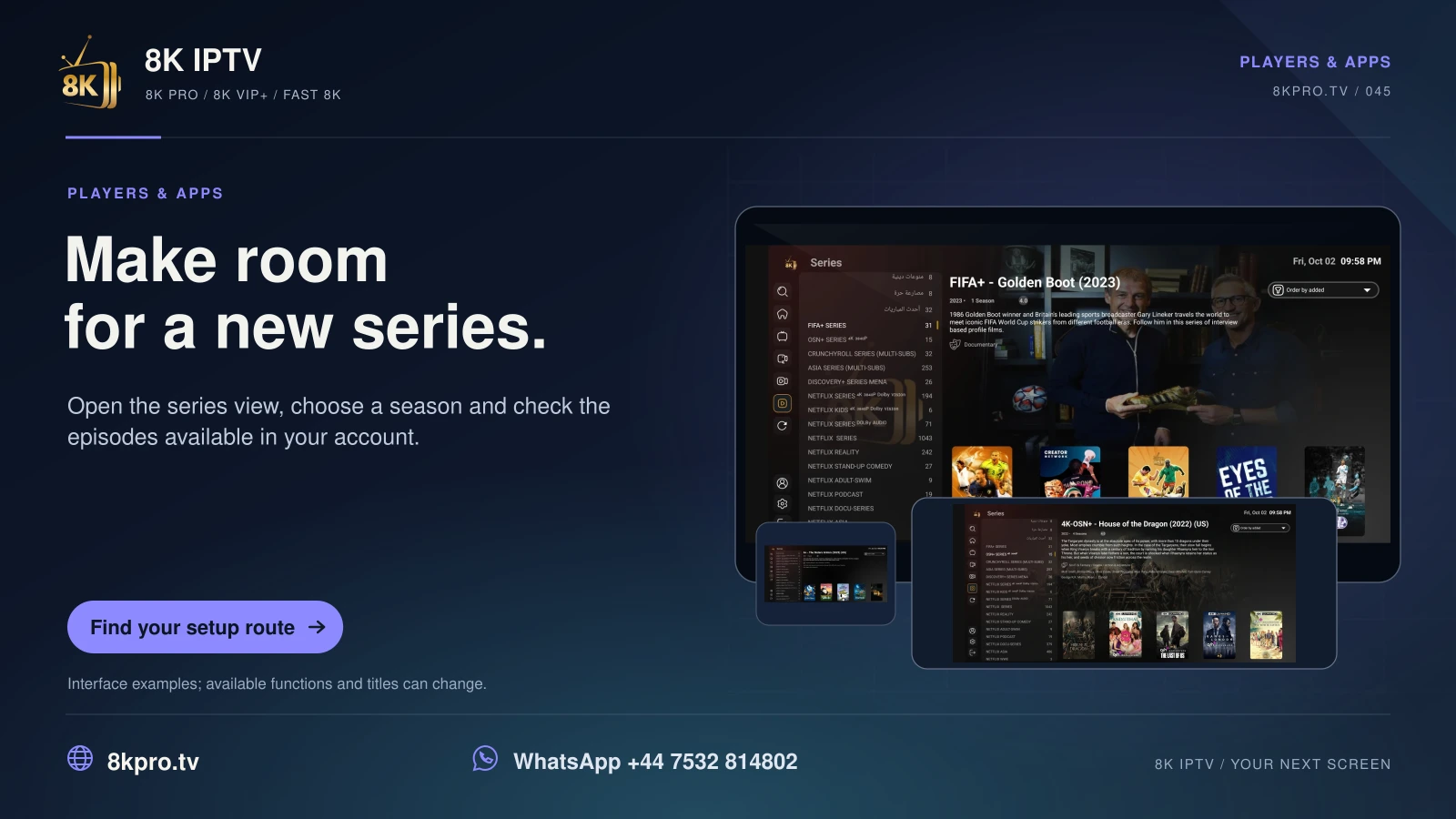
8K IPTV Make room for a new series card showing the player interface
Open the series view, choose a season and check the episodes available in your account.
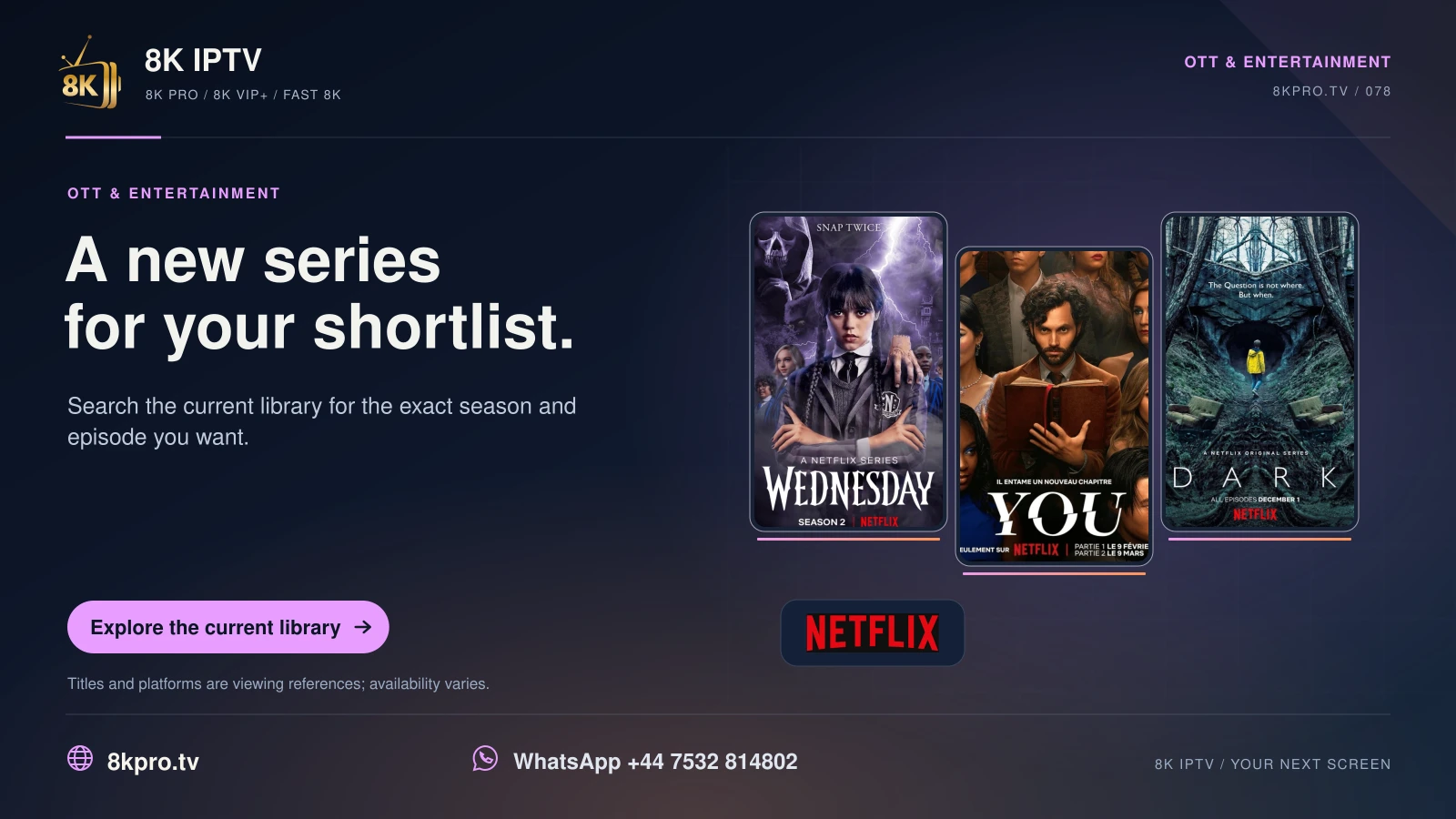
8K IPTV A new series for your shortlist card with film or series posters and platform logos
Search the current library for the exact season and episode you want.
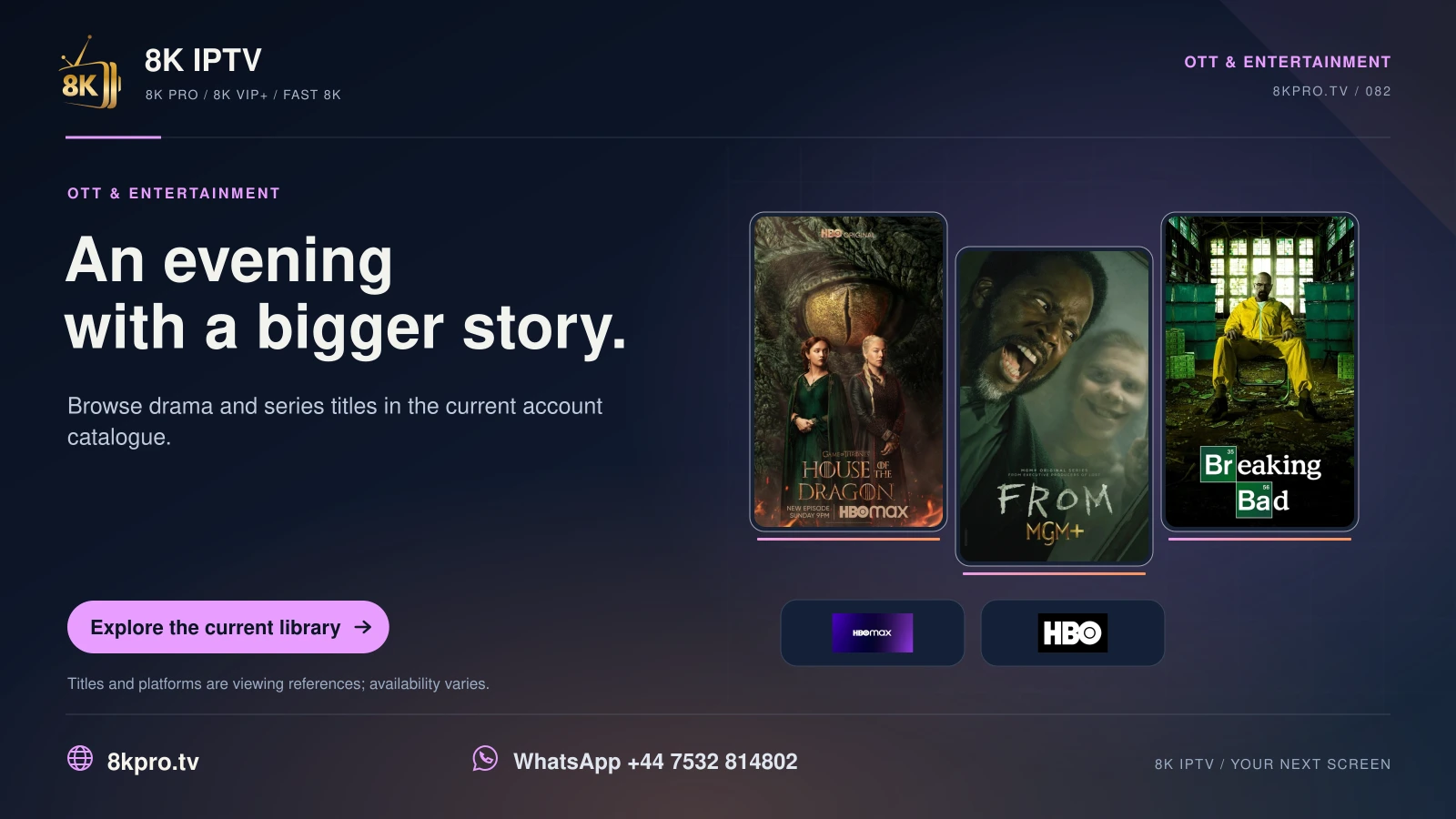
8K IPTV An evening with a bigger story card with film or series posters and platform logos
Browse drama and series titles in the current account catalogue.
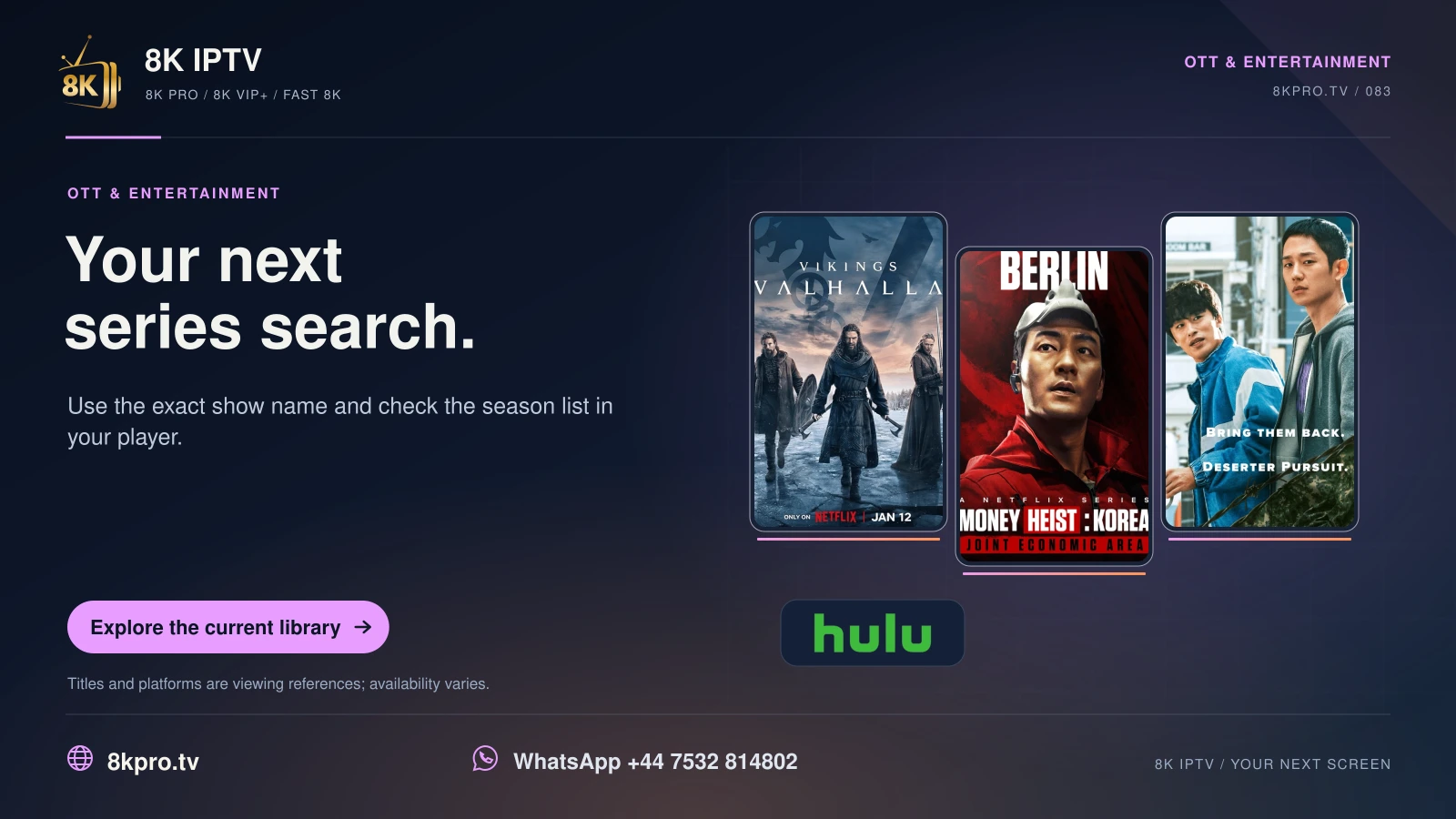
8K IPTV Your next series search card with film or series posters and platform logos
Use the exact show name and check the season list in your player.
8K IPTV One episode can start an evening card with film or series posters and platform logos
Find the right season and episode before returning to a series.
1-day trial