Install your player · WhatsApp for a one-day free trial[email protected]

8K IPTV · service support

Family Viewing, Favourites and Tested Parental Controls

Organise categories and test the installed player access controls for a shared screen.

Platform memberships and current account access are separate.

8K IPTV · Find your player, add your account and explore the viewing options that matter to you.
Read the full details

Your player.

Your playlist.

8K IPTV.

Find your player, add your account and explore the viewing options that matter to you.

Check current channels, titles and events. Platform memberships are separate.

START WITH 8K IPTV

Find your player, add your account and explore the viewing

options that matter to you.

PLATFORMS & BROADCASTERS

SPORTS & EVENTS

Check current channels, titles and events • Platform memberships are separate.

Find your player, add your account and explore the viewing options

that matter to you.

Check sources and titles. Platform memberships are separate.

PLAYER & ACCOUNT

YOUR PLAYER. YOUR VIEWING.

Check current channels, titles and events. Platform memberships are

separate.

Explore platforms. Find your competition.

Search or scroll both complete collections: 698 OTT/provider identities and 113 sports identities.

Open the logo bands ↗

Names and marks identify viewing subjects. Separate memberships, source availability and event access must be confirmed.

Organise the shared screen and test restrictions

For a shared television, start with a small set of useful categories and favourites. Keep language, device controls and account connection limits visible. Separate profile convenience from an actual tested parental restriction.

Where the installed player offers a PIN or locked category, test it with the normal remote and with another household user. Confirm the recovery route privately before forgetting the PIN or clearing application data.

A favourite list is often local to an app. Record the selection or use a supported backup before replacing the player. A second device may have the same account access without inheriting the first device's preferences.

For family films or series, check the exact title, episode, audio and subtitle language in the current catalogue. artwork is a browsing reference; it is not proof that the intended version is currently available.

8K IPTV · entertainment

Build your viewing shortlist
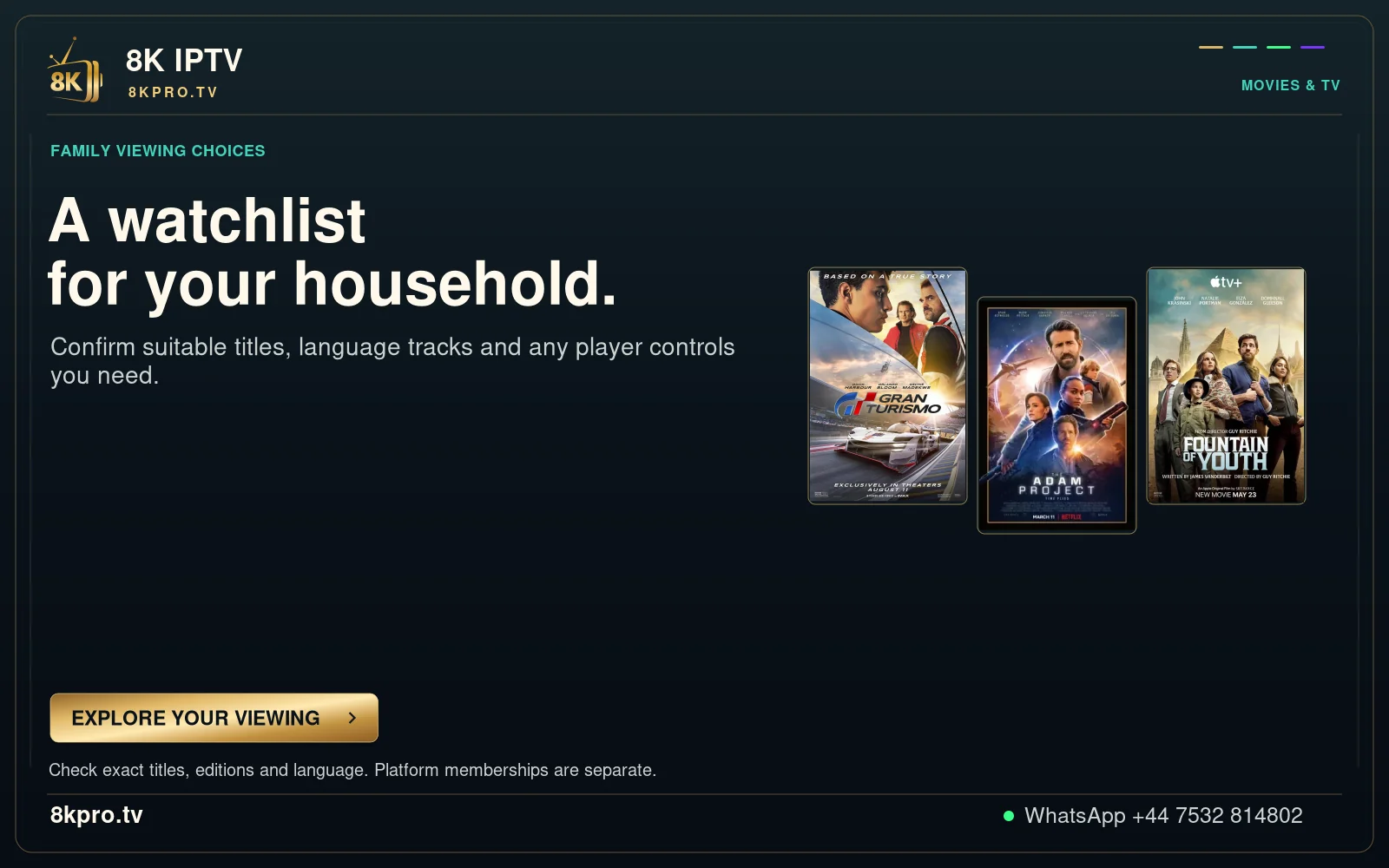
Family viewing choices

Confirm suitable titles, language tracks and any player controls you need.

Check exact titles, editions and language. Platform memberships are separate.

Read the full details

Family viewing choices

A watchlist

for your household.

Confirm suitable titles, language tracks and any player controls you need.

Check exact titles, editions and language. Platform memberships are separate.

EXPLORE YOUR VIEWING

FAMILY VIEWING CHOICES

Confirm suitable titles, language tracks and any player controls

you need.

Check your titles, audio and regional sources • Platform memberships are separate.

MOVIES & TV

EXPLORE YOUR VIEWING →
Family Viewing, Favourites and Tested Parental Controls visual context
Viewing or interface context for this guide; current account details depend on your issued service.

Find your next step

Player, account or subscription?

Explore this viewing option

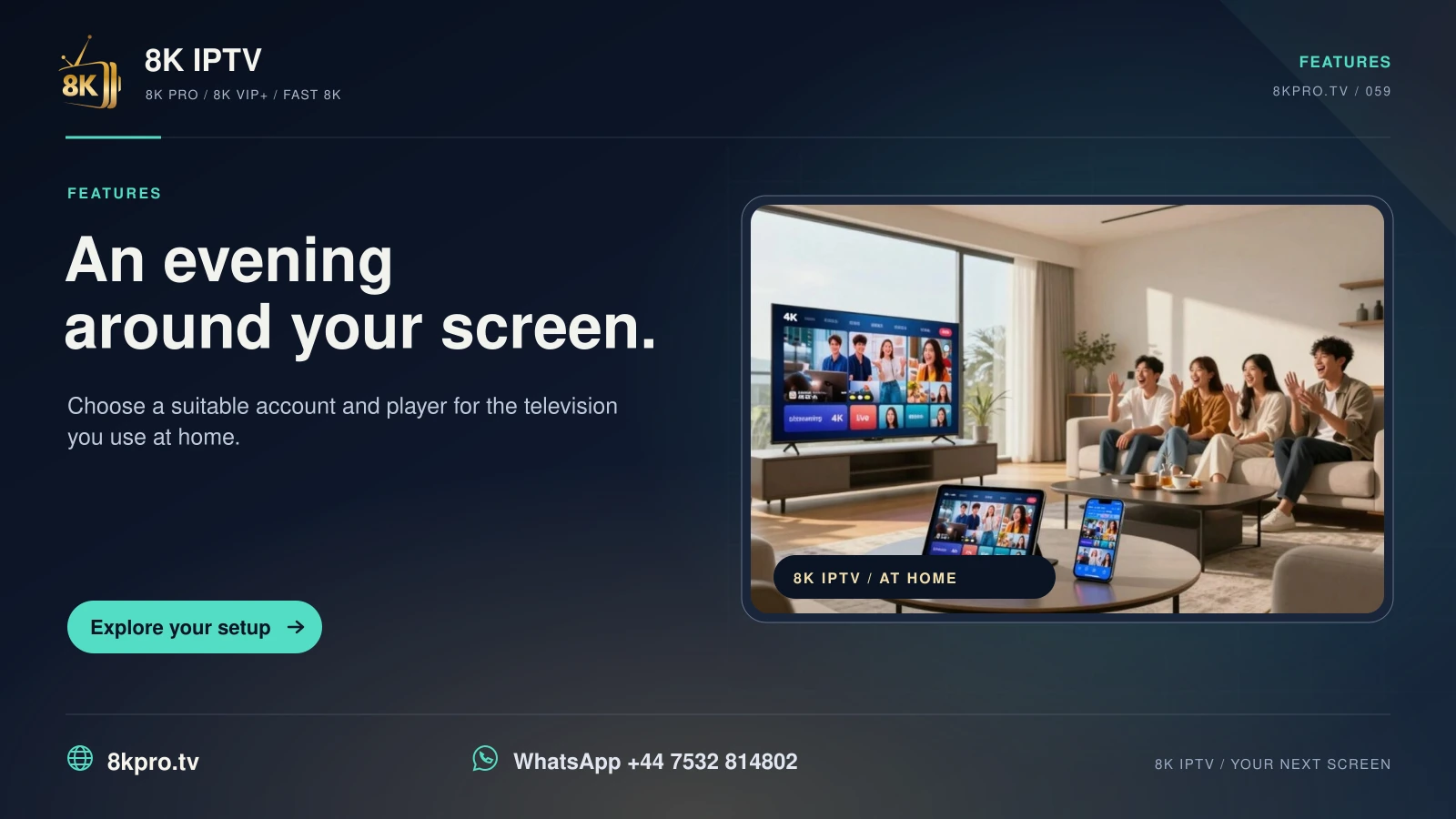
8K IPTV An evening around your screen card with a home television setup
Choose a suitable account and player for the television you use at home.
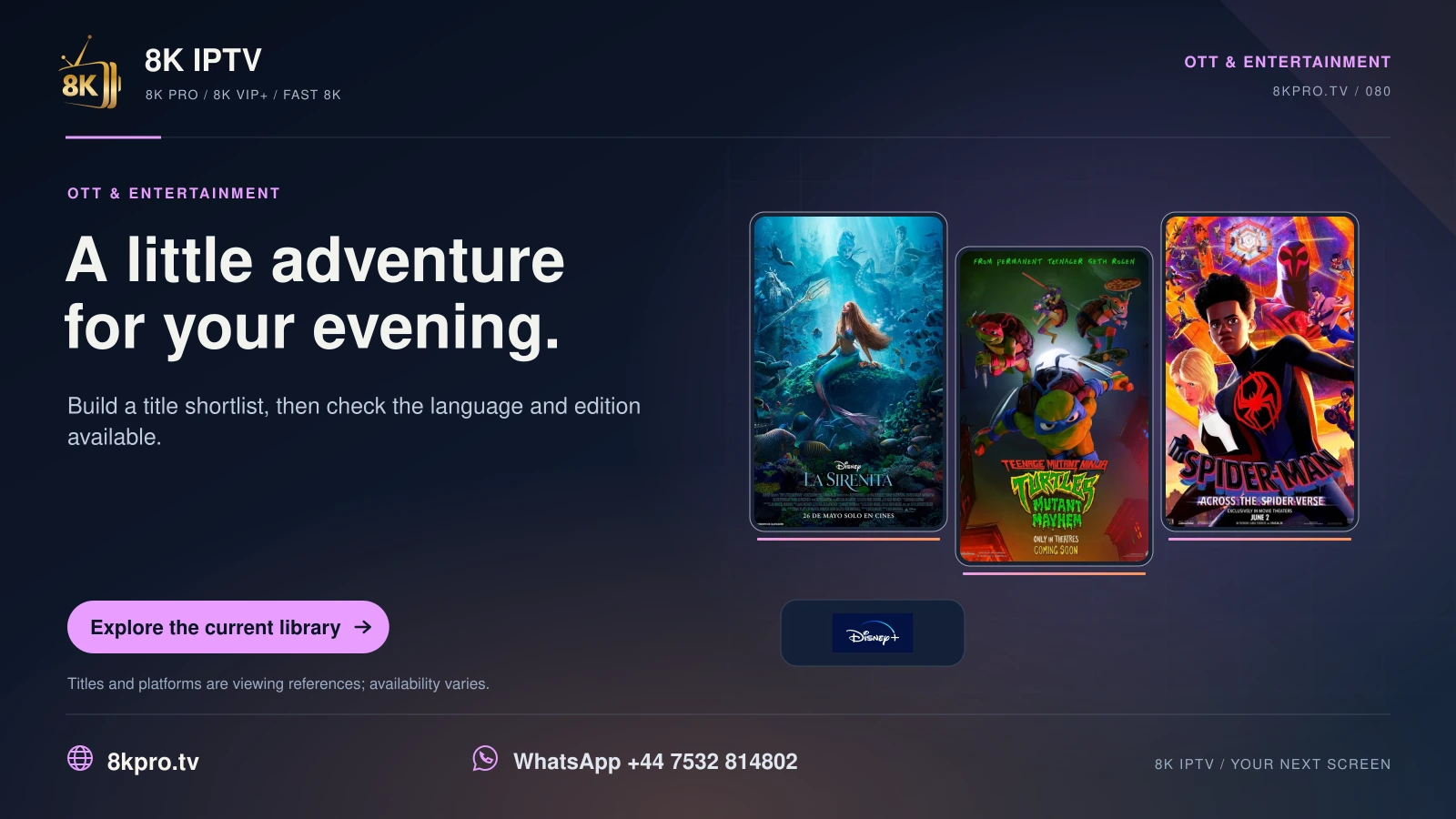
8K IPTV A little adventure for your evening card with film or series posters and platform logos
Build a title shortlist, then check the language and edition available.
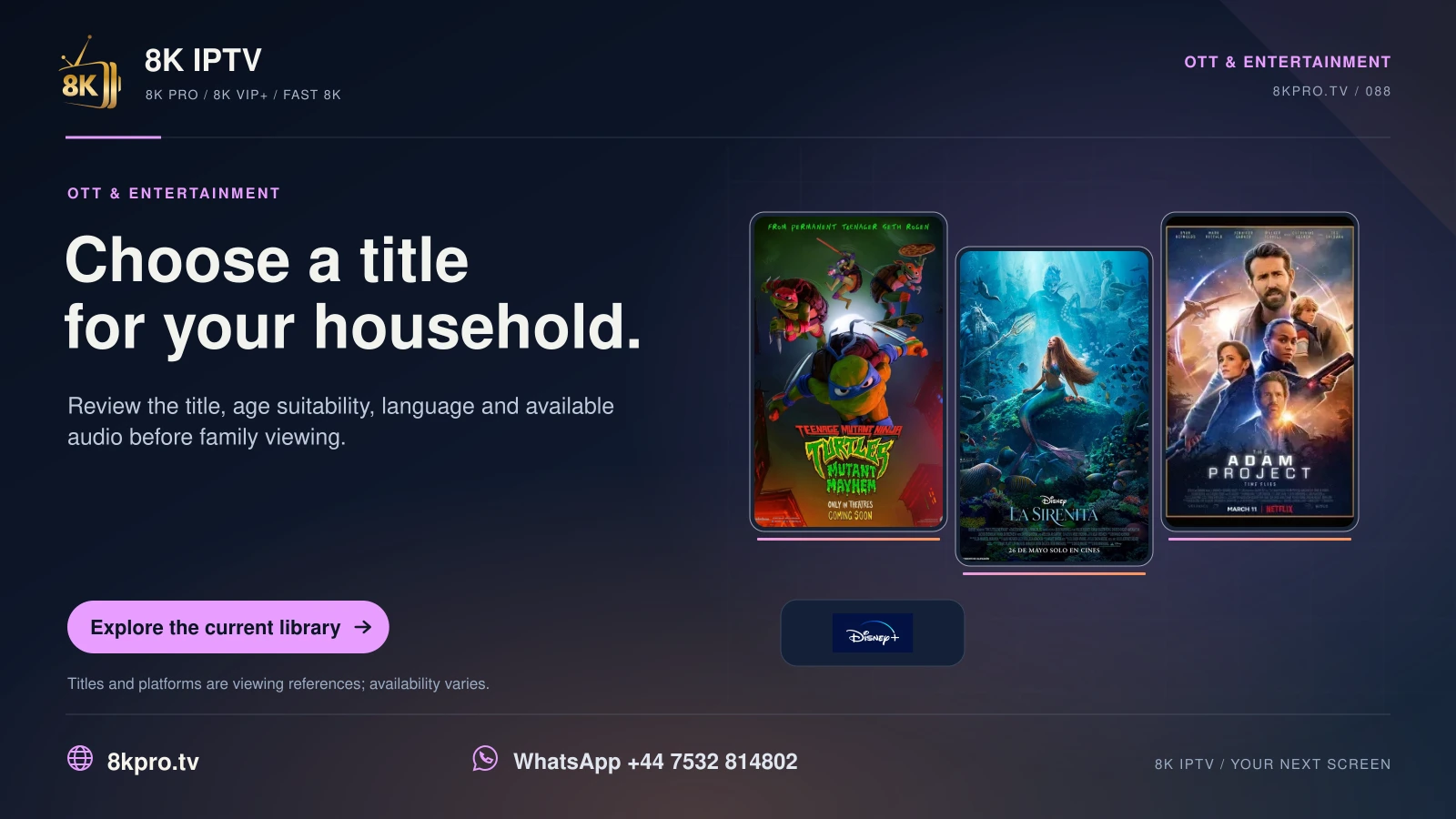
8K IPTV Choose a title for your household card with film or series posters and platform logos
Review the title, age suitability, language and available audio before family viewing.
1-day trial