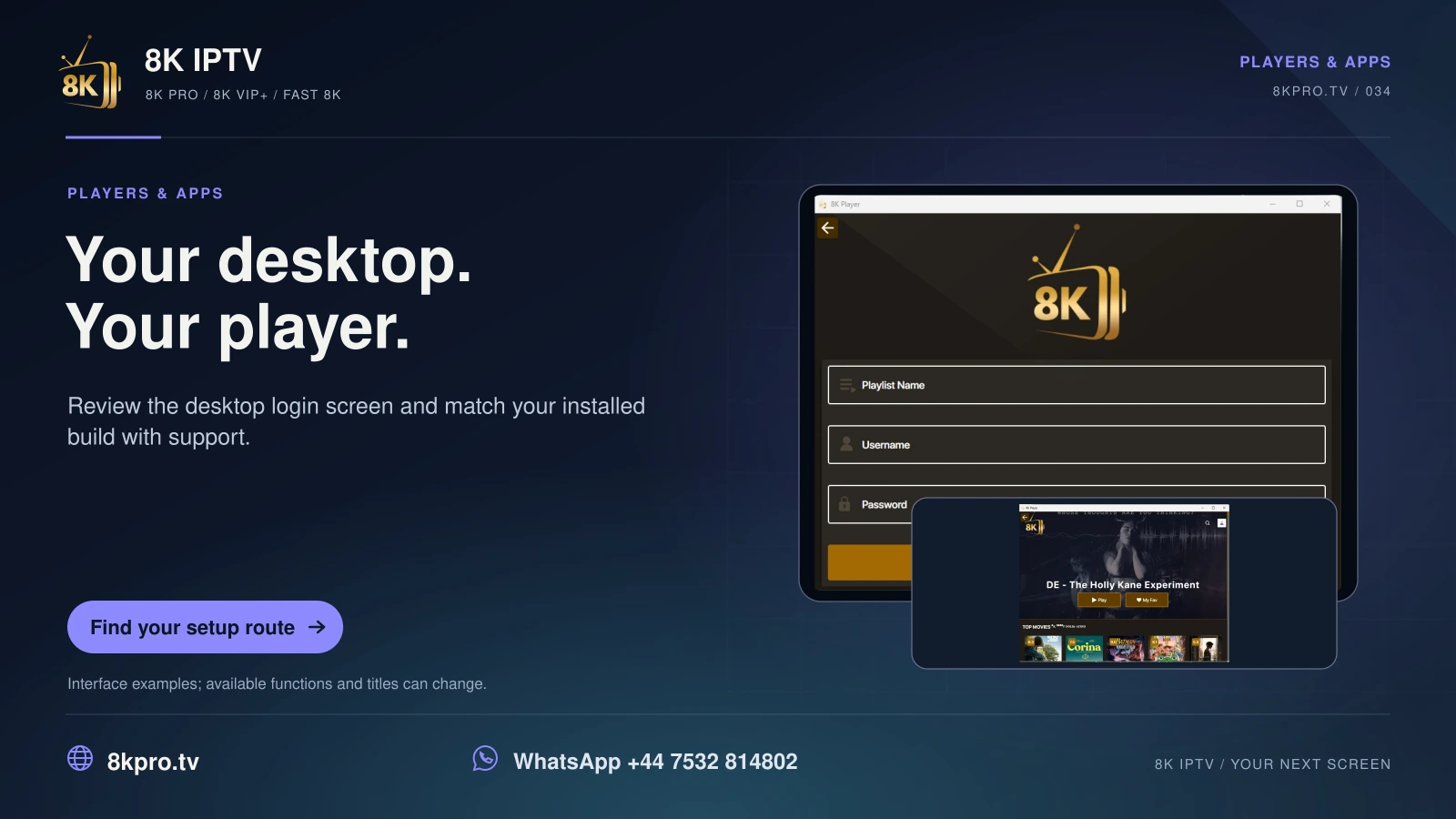
Choose the desktop entry that matches the computer
The list contains separate Windows 10 and Windows 11 installers at version 0.2.0. It also contains an 8K Player macOS disk-image entry at version 1.0.0. These are different packages, not variations of an Android APK.
Confirm the operating-system release and, for a Mac, the processor architecture supported by the build. Keep normal publisher and operating-system download checks enabled. Ask for a secure current source where the listed link uses HTTP.
After installation, select the issued account format and test one live source and one on-demand item. Check the computer sound output, app permissions and any relevant graphics or decoder behaviour before changing the entire setup.
The entry called 4K Player via MAC refers to a registered device MAC address. It is not the macOS installer. Use the nineteen-entry download directory to keep those names and formats separate.

Guide
Find the exact player
Provider-listed names, codes and platform checks.
Read the guideGuide
Choose a device route
Installation and controls for your operating system.
Read the guideGuide
Confirm your requirements
Ask the existing support team a focused question.
Read the guideFind your next step
Player, account or subscription?
Guide
8K VIP+ Player
Code, real screenshots and account route.
Read the guideGuide
Fast 8K Player
Server selector and activation checks.
Read the guideGuide
8K IPTV subscription plans
Compare the complete USD totals.
Read the guideExplore this viewing option