

A television brand is not an app format
Samsung Tizen and LG webOS use native television applications from their supported app stores. Android TV and Google TV use Android-compatible television players. Other television systems may have their own supported routes or need an external device.
Find the actual model and operating system first. Store region, release and remote controls can affect which player is available. An Android package cannot be installed directly on a native Tizen or webOS television.
Some television players register a device identifier or playlist rather than offering the same fields as a username/password app. Ask which route applies to the intended player and keep any developer licence separate from the service account.
Test navigation using the everyday remote. Moving through categories, entering a search and switching audio are practical compatibility checks. A phone-oriented interface that technically opens may still be awkward on a television.
Guide
Find the exact player
Provider-listed names, codes and platform checks.
Read the guideGuide
Choose a device route
Installation and controls for your operating system.
Read the guideGuide
Confirm your requirements
Ask the existing support team a focused question.
Read the guideFind your next step
Player, account or subscription?
Guide
8K VIP+ Player
Code, real screenshots and account route.
Read the guideGuide
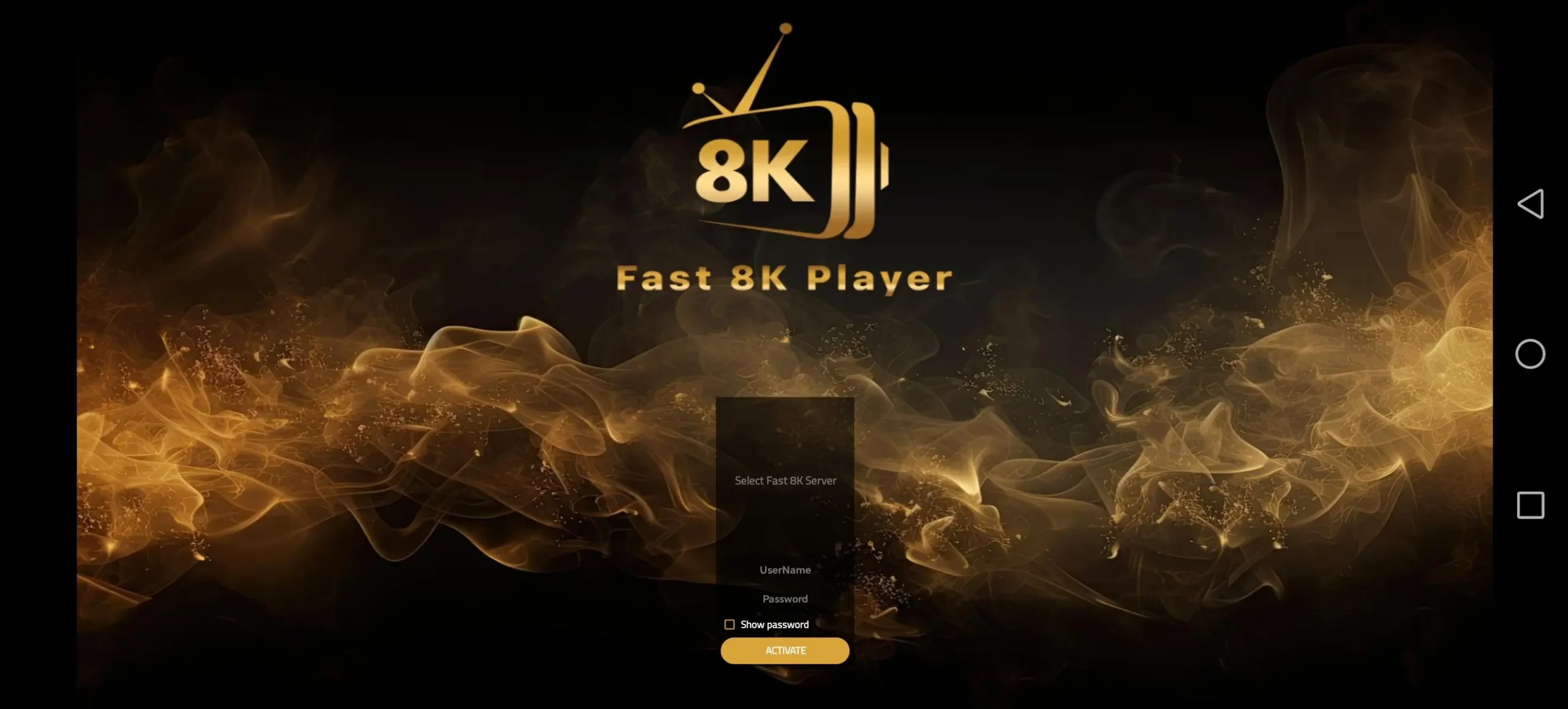
Fast 8K Player
Server selector and activation checks.
Read the guideGuide
8K IPTV subscription plans
Compare the complete USD totals.
Read the guide