
Prepare four details before installation
Find the device model and operating system, choose the exact player, identify its account format and confirm the service account status. These four details prevent a wrong package or login field from being mistaken for a playback failure.
A short first-session checklist
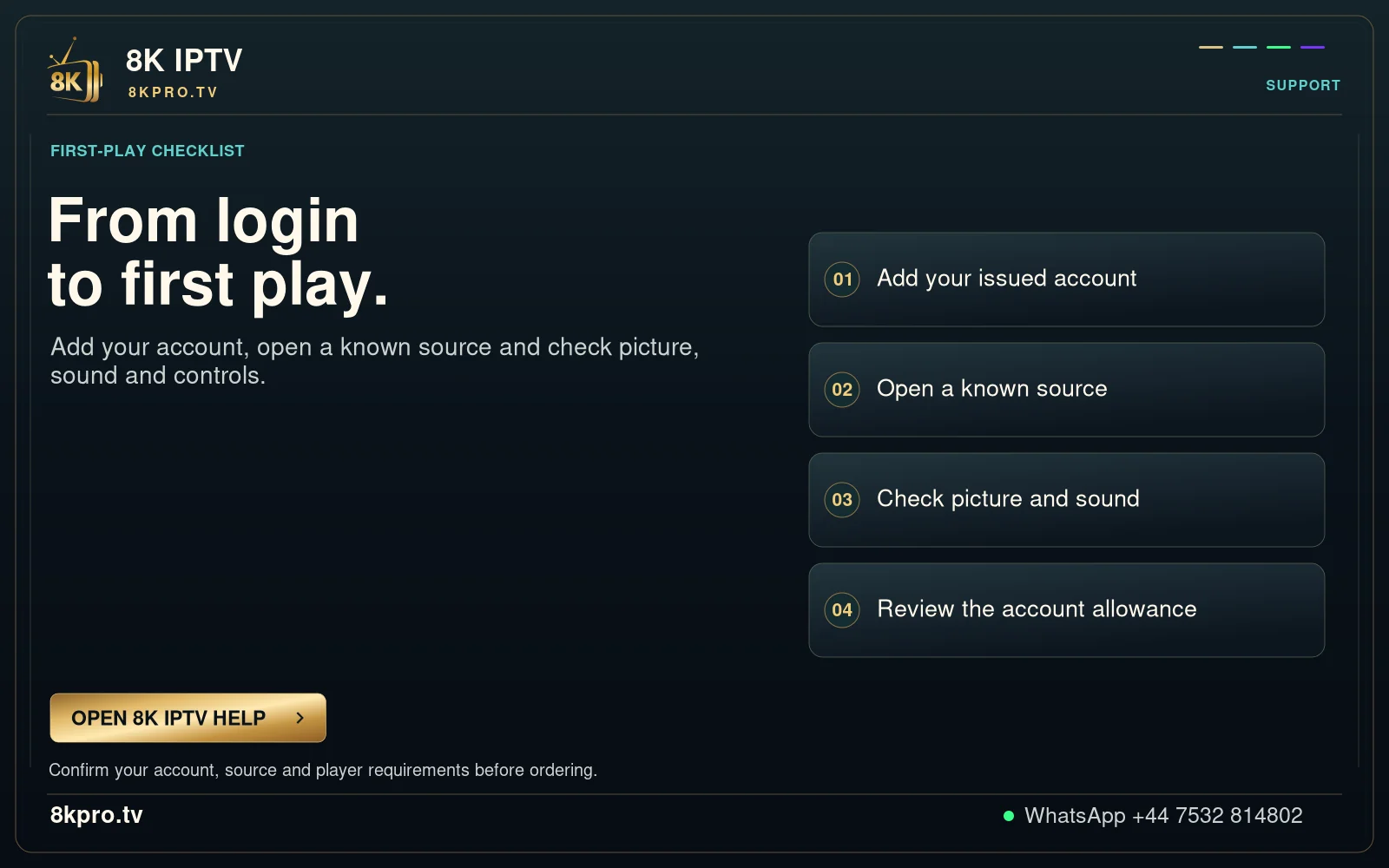
- Use the supported installation route for the exact platform. Keep the app developer and source identifiable.
- Enter the issued account fields privately. A playlist name, server address, username and password have different roles.
- Confirm that categories load, then play one source that support has confirmed for the trial.
- Check sound, subtitles where supplied and guide time on the actual screen.
- Save the working app name and a private recovery record before arranging favourites or changing settings.
Keep each result separate
An installed player proves installation. Accepted credentials prove an account step. A successful video test proves playback of that source under those conditions. None establishes universal device, channel or future availability.
If one stage fails, record that stage and its message. A focused report is more useful than reinstalling several apps without preserving the starting result.
Choose a device guide · Request the one-day trial · Account login help