
What this topic means
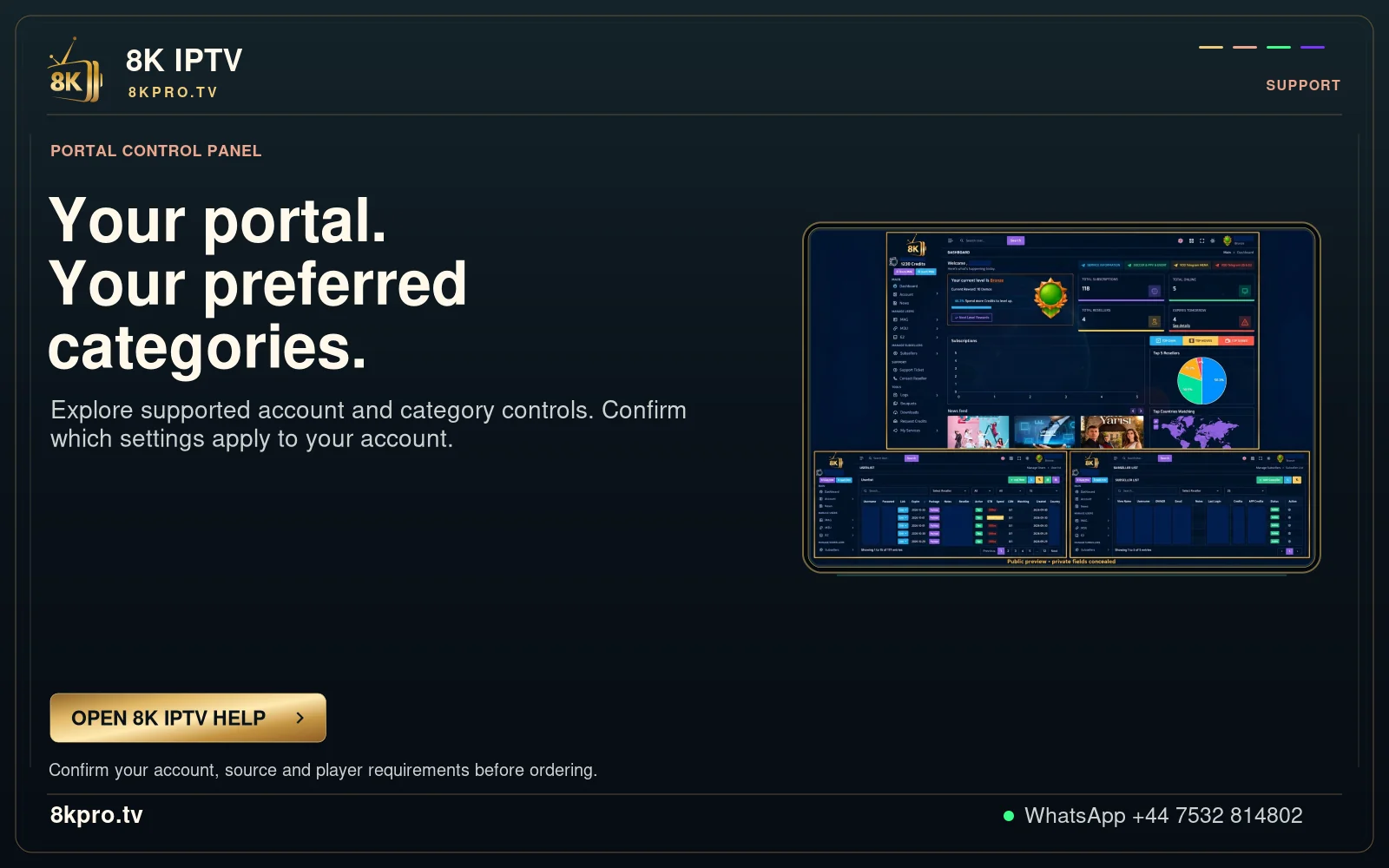
Some receiver and Smart TV routes use a portal or a registered device identifier instead of a standard playlist login. These routes must match the access issued by support.
The MAC activation entry in the download list is not the same as a macOS installer.
A useful first check
Confirm the exact portal, device model and required MAC registration before saving or requesting an activation.
Compare the result without losing the baseline
For account formats, begin with the comparison described above. Preserve the current account and record whether the action changes the symptom, leaves it unchanged or causes a new problem. Revert a setting that does not help before trying another.
The MAC activation entry in the download list is not the same as a macOS installer. If the issued account format or current availability is unclear, ask support for that information before changing an installation. A correct diagnosis depends on the source and player, not just the title of a website guide.
Separate the service, player and device
The service account sets the term and connection allowance. The player organises and decodes the available media. The device and network determine which supported playback route you can use. Confirm the exact portal, device model and required MAC registration before saving or requesting an activation.
What to confirm before a longer commitment
Confirm the exact portal, device model and required MAC registration before saving or requesting an activation.
Find your next step
Player, account or subscription?
Guide
8K VIP+ Player
Code, real screenshots and account route.
Read the guideGuide
Fast 8K Player
Server selector and activation checks.
Read the guideGuide
8K IPTV subscription plans
Compare the complete USD totals.
Read the guide