

Make entertainment categories useful
Drama, comedy, family programmes and reality television can appear as scheduled channels or as on-demand titles. Choose the programme first, then identify the route and edition rather than relying on a broad category label.
A platform name does not mean that its standalone membership is included with an IPTV account. Keep the service account, player application and any separate platform subscription distinct.
8K IPTV · entertainment
Build your viewing shortlist
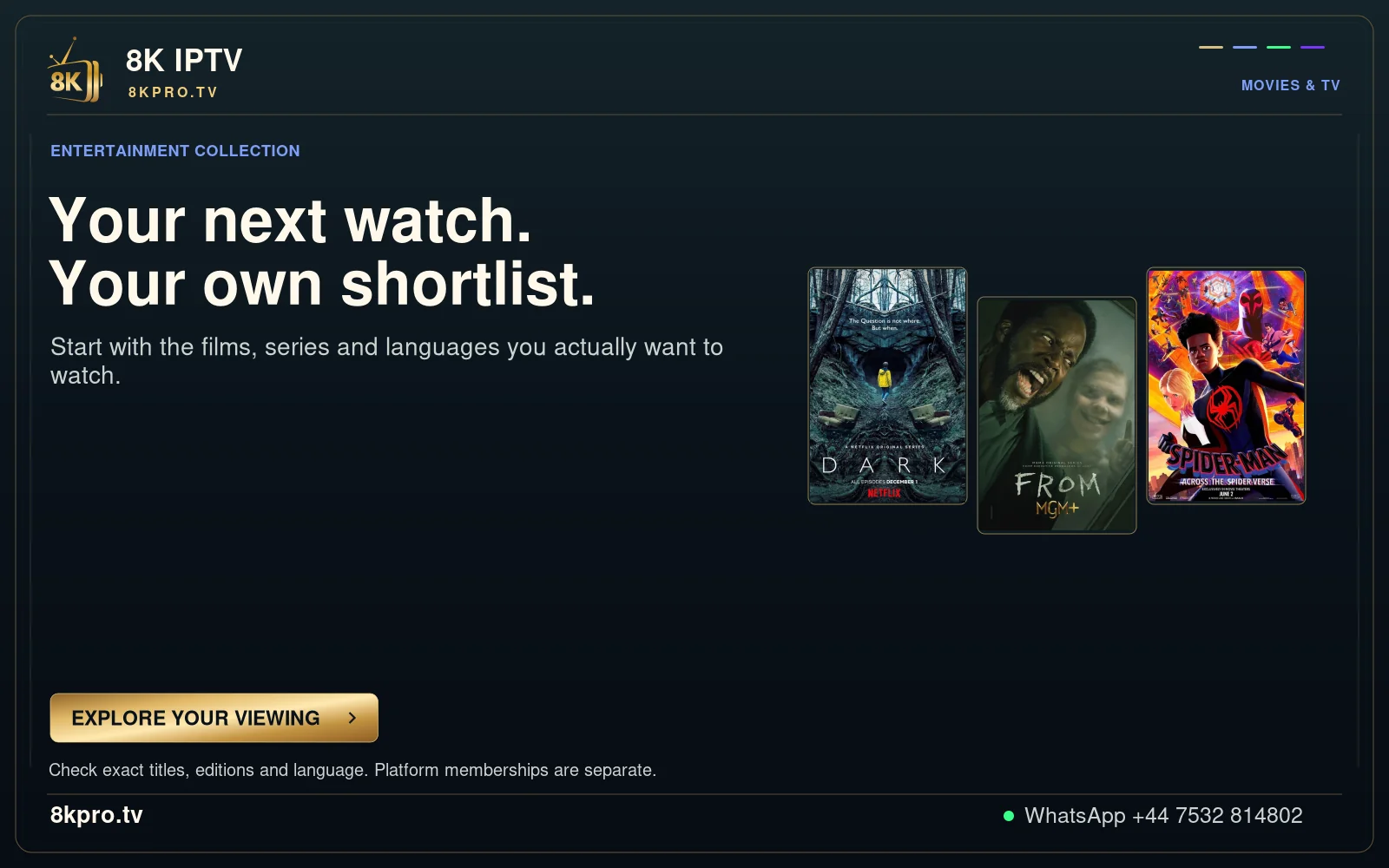
Entertainment collection
Start with the films, series and languages you actually want to watch.
Check exact titles, editions and language. Platform memberships are separate.
Read the full details
Entertainment collection
Your next watch.
Your own shortlist.
Start with the films, series and languages you actually want to watch.
Check exact titles, editions and language. Platform memberships are separate.
EXPLORE YOUR VIEWING
ENTERTAINMENT COLLECTION
Start with the films, series and languages you actually want to
watch.
Check your titles, audio and regional sources • Platform memberships are separate.
MOVIES & TV
Keep series and language details together
For a series, record the exact title, season and episode. For a film, retain the edition or release context when names are similar. Ask about the available audio and subtitles for that item rather than a general catalogue language.
Test the controls that matter in everyday use: search, returning to a category, choosing an episode and resuming where supported. Local player preferences may not transfer to another device.
Film and series guides · Find the right episode · Understand platform names