
Separate Mi Box from later TV Box generations
The original Mi Box S documentation describes an Android-based television experience, while Xiaomi TV Box S second- and third-generation documentation identifies Google TV. Keep the generation and current software version with your setup notes.
8K IPTV · devices
Identify your platform and device
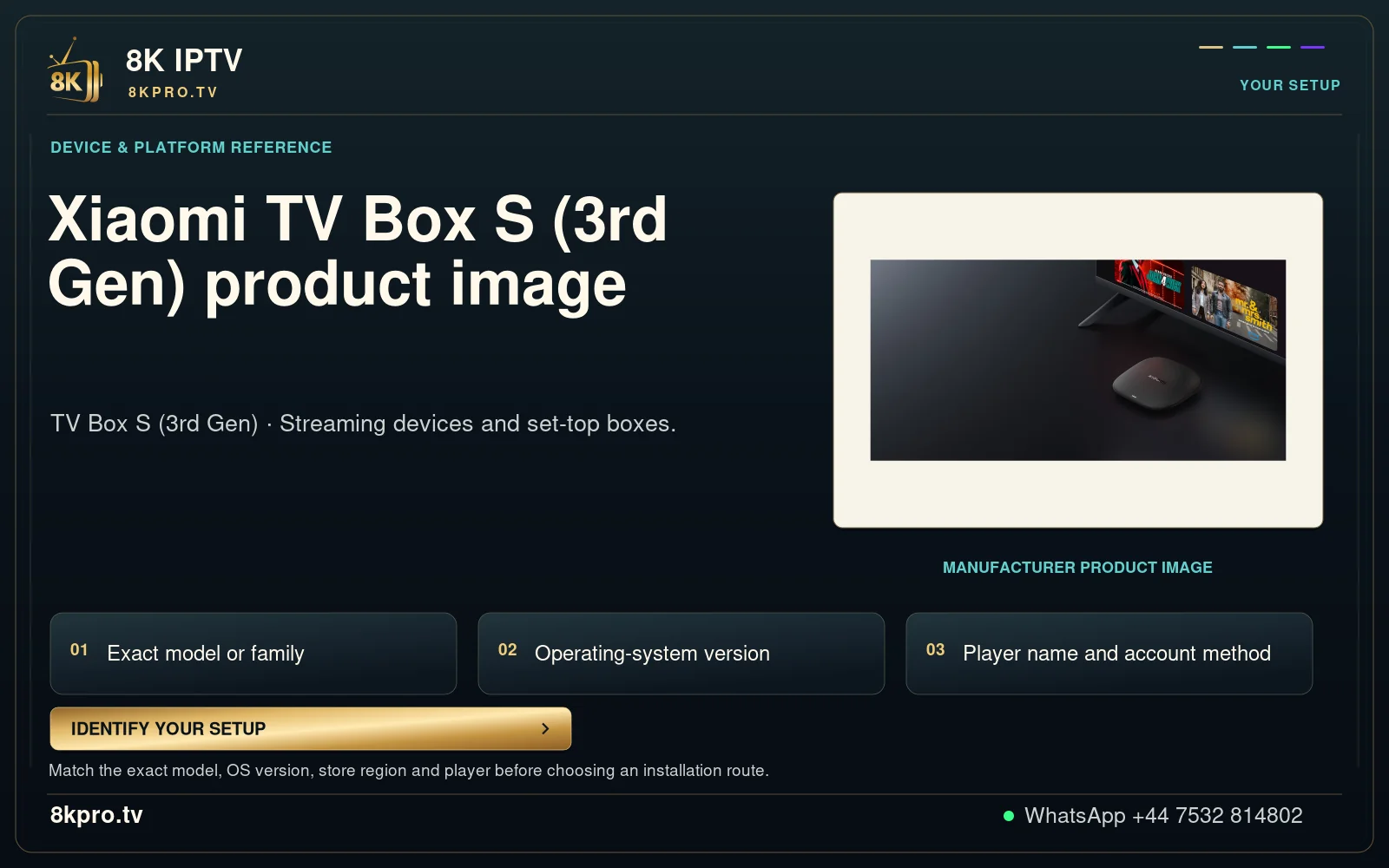
Xiaomi TV Box S (3rd Gen) product image
TV Box S (3rd Gen) · Streaming devices and set-top boxes.
Match the exact model, OS version, store region and player before choosing an installation route.
Read the full details
Xiaomi TV Box S (3rd Gen) product image
TV Box S (3rd Gen) · Streaming devices and set-top boxes.
Exact model or family
Operating-system version
Player name and account method
Manufacturer product image
Match the exact model, OS version, store region and player before choosing an installation route.
IDENTIFY YOUR SETUP
YOUR SETUP
DEVICE & PLATFORM REFERENCE
Xiaomi TV Box S (3rd
Gen) product image
MANUFACTURER PRODUCT IMAGE
01
02
03
Install the television edition of the player
Use the app store available on the actual box and check the developer and TV interface. A phone application may behave differently with a remote. If support recommends a separate package, verify that it matches the device and source.
Treat 4K hardware as one part of the chain
A box specification describes supported output or decoding capabilities. It does not turn an HD source into native 4K or establish native 8K playback. The source, display, selected player and connection all matter.
Test HDMI, controls and network together
On the TV and remote you intend to keep using, test a live programme and an on-demand item. Check sound output, subtitles, full-screen playback and returning to the programme list. Keep the same source while comparing network conditions.
All device guides · Find the exact player · Account and compatibility checks