
Guide
Device setup directory
Check the exact platform before installing.
Read the guide8K IPTV · article
Update carefully while keeping a recoverable setup on Nvidia Shield.
Check the exact platform, account and source requirements.
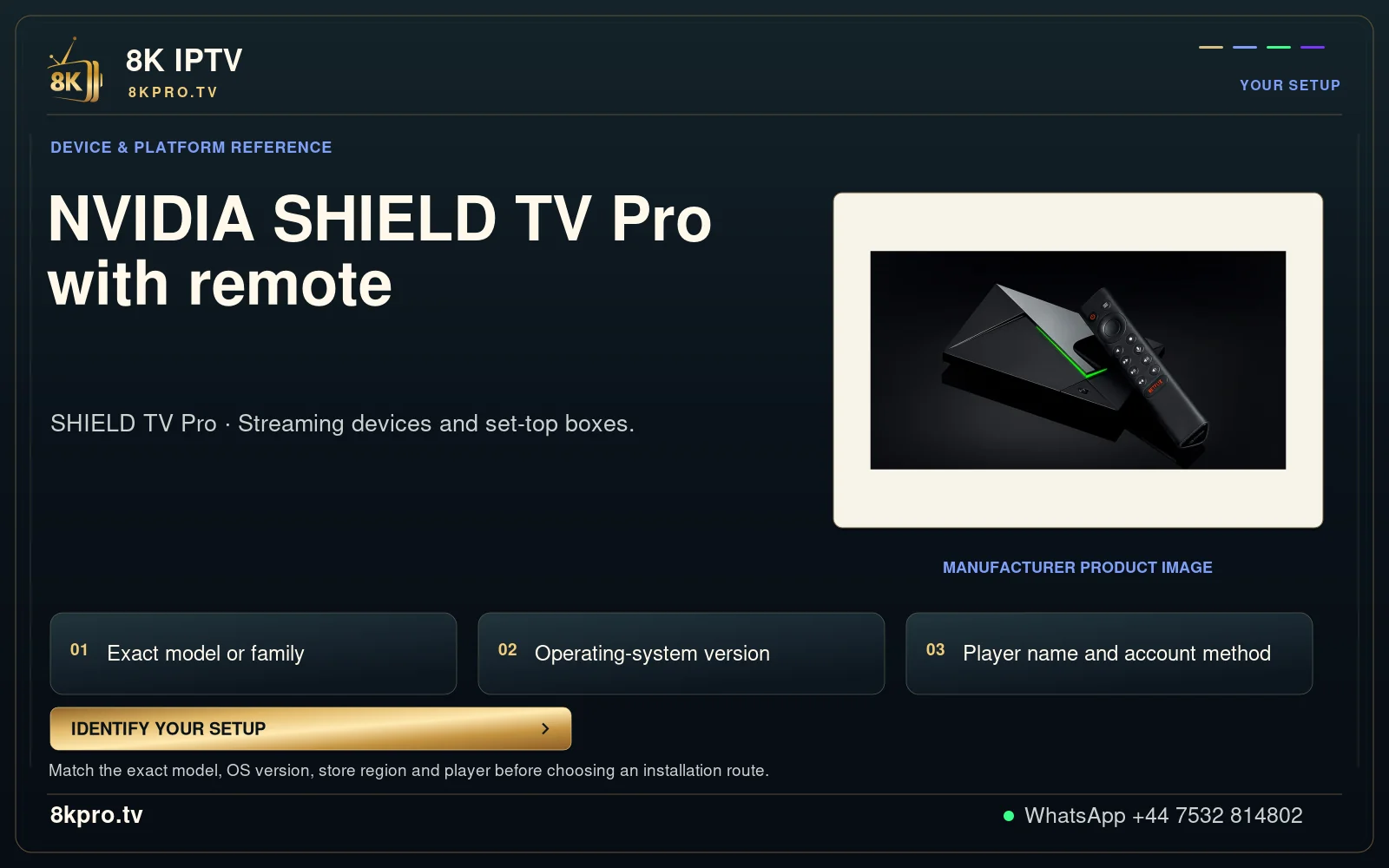
NVIDIA SHIELD TV Pro with remote
SHIELD TV Pro · Streaming devices and set-top boxes.
Exact model or family
Operating-system version
Player name and account method
Manufacturer product image
Match the exact model, OS version, store region and player before choosing an installation route.
IDENTIFY YOUR SETUP
YOUR SETUP
DEVICE & PLATFORM REFERENCE
NVIDIA SHIELD TV Pro
with remote
MANUFACTURER PRODUCT IMAGE
01
02
03
Search or scroll both complete collections: 698 OTT/provider identities and 113 sports identities.
Names and marks identify viewing subjects. Separate memberships, source availability and event access must be confirmed.
Player updates and storage · Nvidia Shield
For Nvidia Shield, record the installed build and preserve the account route before updating. A cache cleanup, clearing app data and uninstalling are different actions.
An update can change menus or supported controls; low free storage can interrupt installation or guide refresh. Preserve enough information to reconnect without exposing credentials.
Device decoding capability does not establish the resolution or audio tracks by a channel.
Check the particular player in SHIELD app settings and record any decoder setting you change.
Record the app name, version, installation source and a supported export if the player provides one.
Check the particular player in SHIELD app settings and record any decoder setting you change. Preserve a player-supported export and the account login format before an update or removal.
Use the supported update route. If storage needs attention, distinguish temporary cache from saved data and compare one action at a time.
The intended supported build opens, retains or accepts the account, and plays a chosen test source.
| What you observe | What to check next |
|---|---|
| The update cannot install | Check free storage, package type and model support. |
| Menus changed after updating | Identify the new build and use its available controls, not an older screenshot. |
| Account data was removed | Restore through the supported import or re-enter the issued account privately. |
Do not install an unrelated package because its icon looks similar. Avoid clearing app data without a private account record.
Use WhatsApp +44 7532 814802 with the exact player name and version, the device/operating system, and what happened during the checks above. For a source problem, include its name and the approximate time and time zone.
Keep passwords, complete playlist addresses, payment information and device keys out of screenshots. A short description of the observed result is enough to start the conversation.
Discuss this NVIDIA SHIELD setupUseful answers
Record the app name, version, installation source and a supported export if the player provides one.
Device decoding capability does not establish the resolution or audio tracks by a channel.
The intended supported build opens, retains or accepts the account, and plays a chosen test source.
No. Use the exact installed player, device model and account format. These are troubleshooting instructions, not a claim that every application or source has been tested on your device.
Continue with the relevant guide
Guide
Check the exact platform before installing.
Read the guideGuide
Find the provider-listed app entry.
Read the guideGuide
Collect a focused report before changing everything.
Read the guide