
Guide
Device setup directory
Check the exact platform before installing.
Read the guide8K IPTV · article
Use a trial to answer your real viewing questions on Google TV.
Check the exact platform, account and source requirements.
One-day trial checklist
One day.
Your own setup.
Install the confirmed player, ask for your trial and check the sources you need.
Install the confirmed app
WhatsApp for your trial
Test your essential sources
Confirm your account, source and player requirements before ordering.
OPEN 8K IPTV HELP
ONE-DAY TRIAL CHECKLIST
Install the confirmed player, ask for your trial and check the
sources you need.
1
2
3
FREE ONE-DAY TRIAL
Your account and player determine the available controls • Ask us about your setup.
SUPPORT
01
02
03
Search or scroll both complete collections: 698 OTT/provider identities and 113 sports identities.
Names and marks identify viewing subjects. Separate memberships, source availability and event access must be confirmed.
A practical trial checklist · Google TV
For Google TV, install the supported player first, then request the one-day trial using WhatsApp. Test the content and controls you will actually use.
A useful trial answers a short personal checklist: the intended channels or titles, audio/subtitles, the guide and the device you plan to keep.
A Google account used to install an app is separate from the IPTV account entered inside that app.
Check the installed player in Google TV settings rather than changing every application on the device.
Send support the device, exact player name and account option shown in the app. Ask for the one-day trial and current availability.
Request the trial for Google TV and the exact installed app. Test Google TV network settings and the connection used at the television rather than a different device’s result.
Check one must-have live source and one on-demand item on the intended network. Stop the first session before trying another device on a one-connection account.
You have a clear result for your own device and viewing list before selecting a paid term.
| What you observe | What to check next |
|---|---|
| The player is installed but has no account | Request the support-issued trial details for that exact app. |
| Login works but a must-have item is missing | Ask about that source before choosing a term. |
| A second device is being tested | Check the connection allowance and stop the first stream first. |
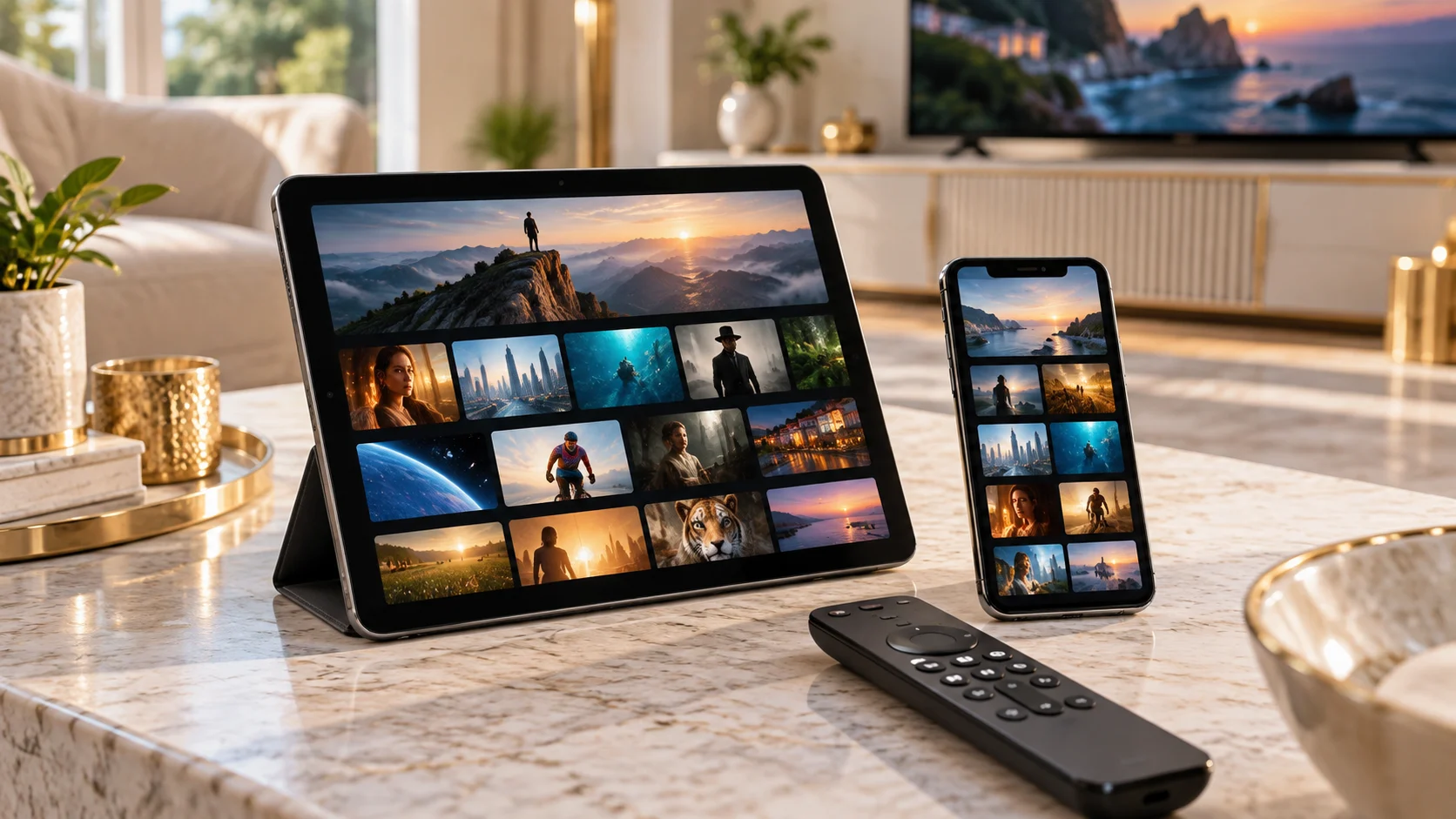
Do not judge compatibility only by a screenshot or a successful login. Ask about a missing source or language before placing an event-specific order.
Use WhatsApp +44 7532 814802 with the exact player name and version, the device/operating system, and what happened during the checks above. For a source problem, include its name and the approximate time and time zone.
Keep passwords, complete playlist addresses, payment information and device keys out of screenshots. A short description of the observed result is enough to start the conversation.
Discuss this Google TV setupUseful answers
Send support the device, exact player name and account option shown in the app. Ask for the one-day trial and current availability.
A Google account used to install an app is separate from the IPTV account entered inside that app.
You have a clear result for your own device and viewing list before selecting a paid term.
No. Use the exact installed player, device model and account format. These are troubleshooting instructions, not a claim that every application or source has been tested on your device.
Continue with the relevant guide
Guide
Check the exact platform before installing.
Read the guideGuide
Find the provider-listed app entry.
Read the guideGuide
Collect a focused report before changing everything.
Read the guide