
Guide
Device setup directory
Check the exact platform before installing.
Read the guide8K IPTV · article
Browse VOD without losing track of title and episode details on Formuler box.
Check the exact platform, account and source requirements.

Find the correct season
A series title can have several seasons and similarly named extras.
Match the full series name
Select the intended season
Check the episode number and language
Use the controls and account conditions that apply to your actual setup.
OPEN THE 8K IPTV GUIDE
HELP & SETUP
SEASONS & EPISODES
A series title can have several seasons and similarly named
extras.
01
02
03
Check the episode number and
language
Search or scroll both complete collections: 698 OTT/provider identities and 113 sports identities.
Names and marks identify viewing subjects. Separate memberships, source availability and event access must be confirmed.
Movies and series · Formuler box
For Formuler box, identify the exact title, year, season and episode before changing the player. A poster or search result is not a playback test.
Similar names, different releases and incomplete season metadata can look like the same problem. Keeping the item identity precise also makes a support check useful.
MYTVOnline, third-party players and different Formuler generations do not share every account field or feature.
Identify whether you are using MYTVOnline or a separate player before following an app-setting instruction.
Search for the full title and open its detail page. For a series, inspect the available seasons and episode list.
Use the Formuler remote to inspect the title details, season list and playback options in this installation.
Try the intended item, check the available sound/subtitle tracks and compare one other title on the same setup.
The selected item plays, or the report identifies one title/episode rather than the whole catalogue.
| What you observe | What to check next |
|---|---|
| Only one item fails | Record the title, release, season/episode and time. |
| The wrong episode opens | Describe the selected and actual episode so metadata can be checked. |
| Several items fail but live TV works | Keep the login and report the VOD-specific result. |
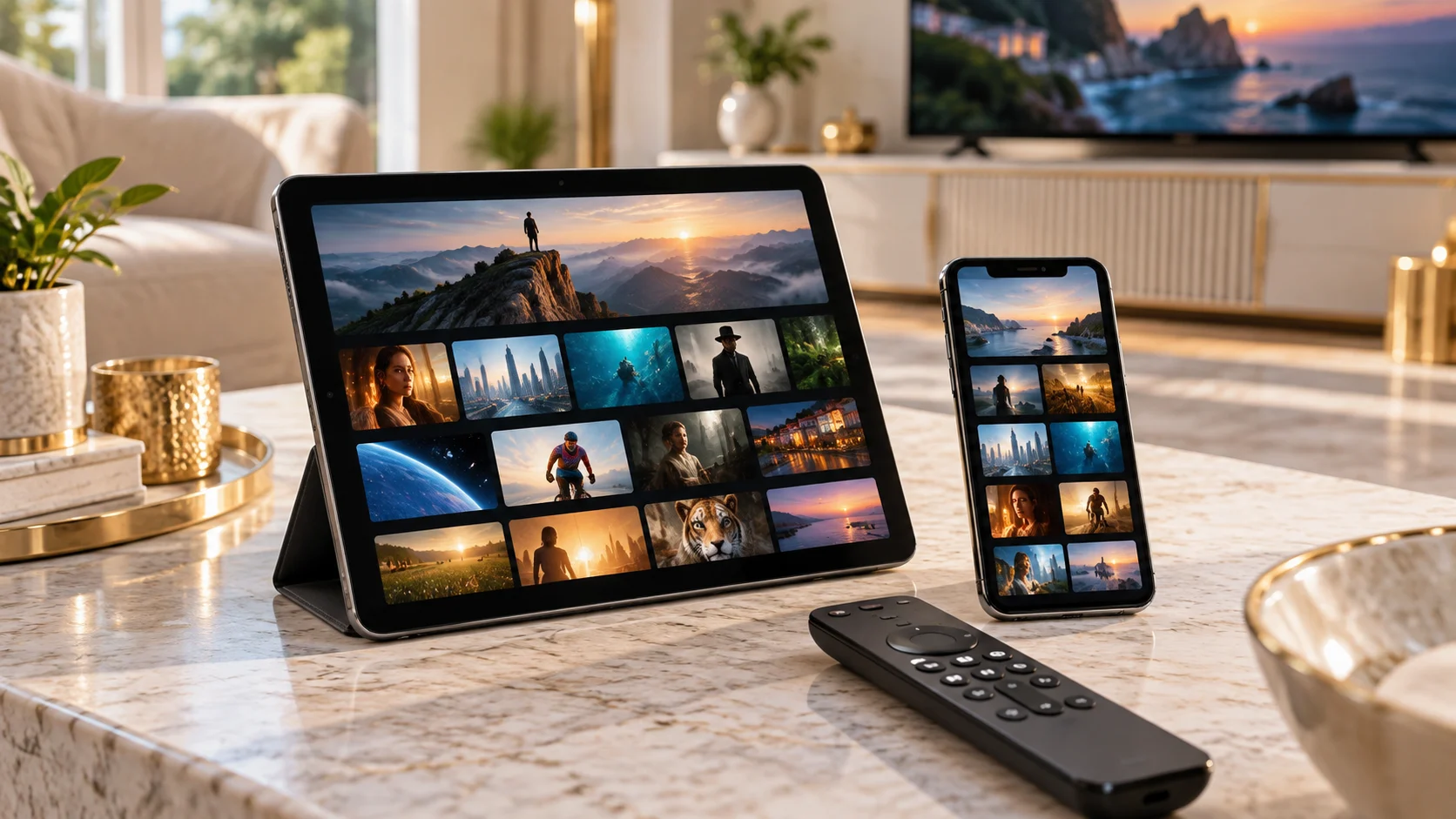
Do not assume every season or language is included because a poster appears. Avoid clearing the complete library before checking the affected item.
Use WhatsApp +44 7532 814802 with the exact player name and version, the device/operating system, and what happened during the checks above. For a source problem, include its name and the approximate time and time zone.
Keep passwords, complete playlist addresses, payment information and device keys out of screenshots. A short description of the observed result is enough to start the conversation.
Discuss this Formuler setupUseful answers
Search for the full title and open its detail page. For a series, inspect the available seasons and episode list.
MYTVOnline, third-party players and different Formuler generations do not share every account field or feature.
The selected item plays, or the report identifies one title/episode rather than the whole catalogue.
No. Use the exact installed player, device model and account format. These are troubleshooting instructions, not a claim that every application or source has been tested on your device.
Continue with the relevant guide
Guide
Check the exact platform before installing.
Read the guideGuide
Find the provider-listed app entry.
Read the guideGuide
Collect a focused report before changing everything.
Read the guide