
8K IPTV · article
Fast 8K Player: Troubleshooting and Support Report Guide
Record the exact build, symptom and source so support can distinguish app and account issues. Review the listed Fast 8K Player entry, device requirements and practical checks.
Check the exact platform, account and source requirements.

Read the full details
Fast 8K Player
Your Fast 8K
starting point.
Choose the Fast 8K account route issued with your login.
Player preview. Match the app, account and device; player fees may apply.
OPEN PLAYER GUIDANCE
FAST 8K PLAYER
PLAYER PREVIEW
Player preview • Confirm your app, account and device • Player fees may apply.
LISTED DOWNLOADER CODE
1315630
CHECK THE PLAYER NAME
PLAYER GUIDE
LISTED DOWNLOADER CODE · 1315630
Explore platforms. Find your competition.
Search or scroll both complete collections: 698 OTT/provider identities and 113 sports identities.
Names and marks identify viewing subjects. Separate memberships, source availability and event access must be confirmed.
Exact player context
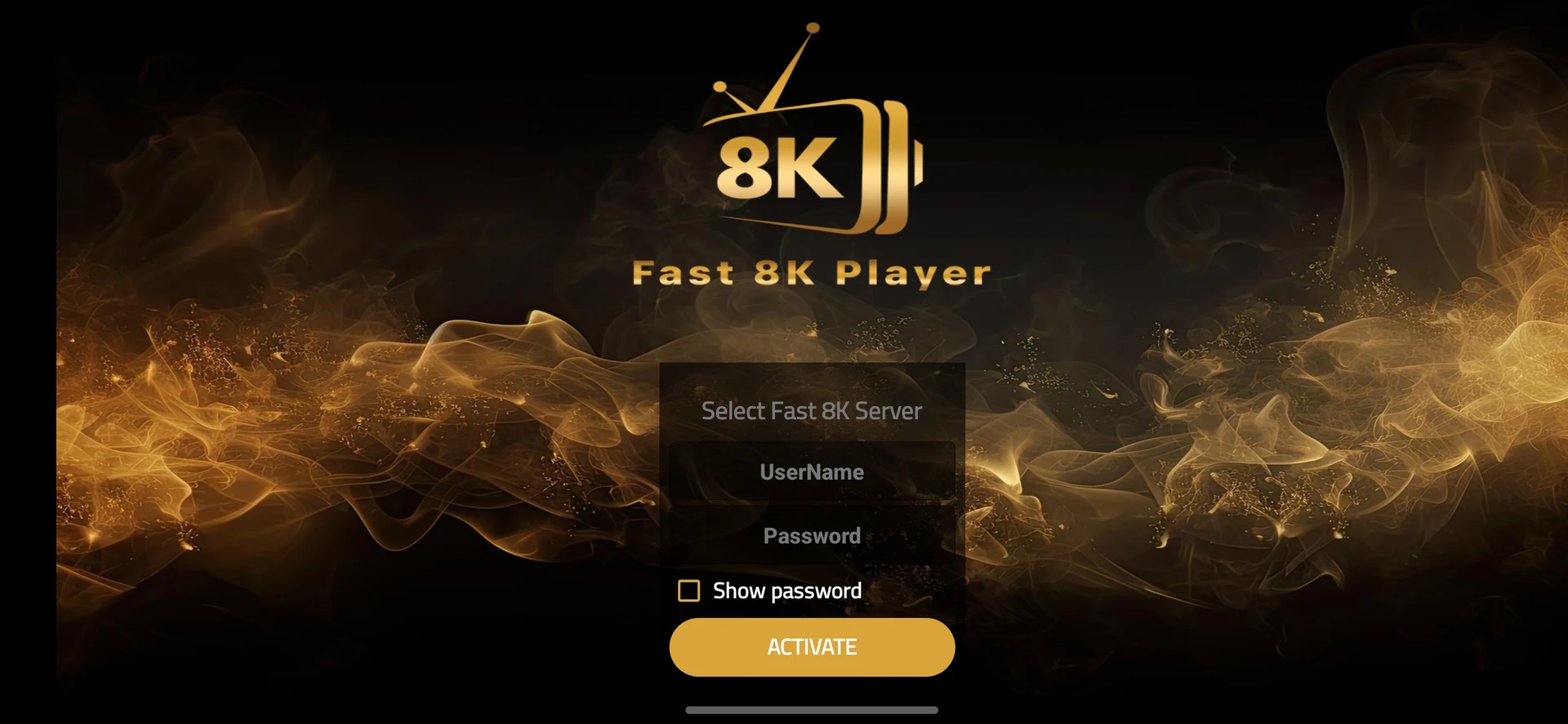
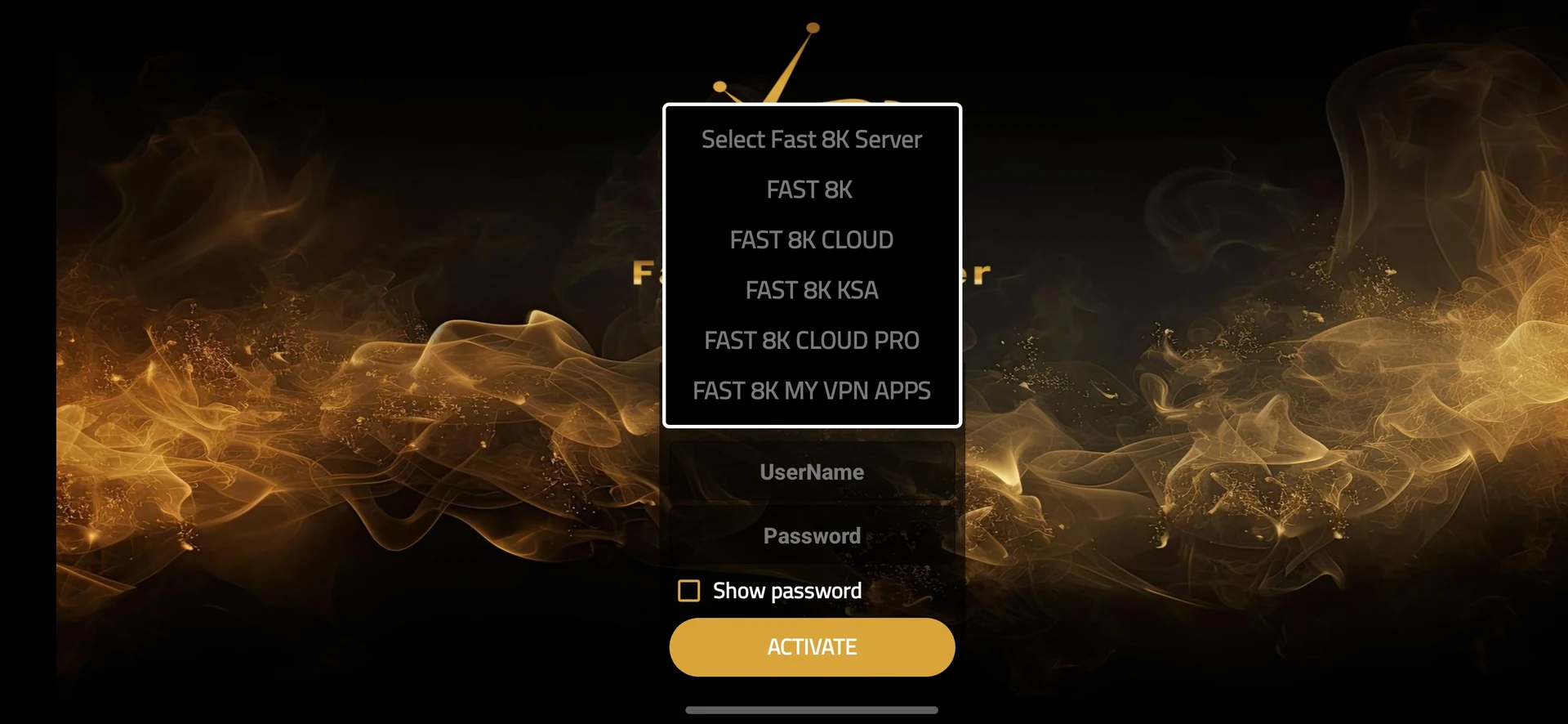
Remote-friendly live channel browsing. The 8kiptv.io screenshots show the Fast 8K Player interface. Category lists and channel names in these screens are examples from the version.
Troubleshooting and Support Report for Fast 8K Player
Record the exact build, symptom and source so support can distinguish app and account issues.
The 8kiptv.io screenshots show the Fast 8K Player interface. Category lists and channel names in these screens are examples from the version.
The entry identifies Fast 8K Player with code 1315630, listed on 2026-05-29. It does not establish a current publisher signature or a universal device support promise.
Prepare the exact player and account
Choose one channel and note the failure time, connection type and whether a lower-quality source behaves differently. Test during the actual viewing period.
Record the installed Fast 8K Player build, operating system and device model. Keep the player name separate from the service account identity; the source list contains several similarly named entries.
Use the check that answers this question
Record the exact build, symptom and source so support can distinguish app and account issues.
If practical, use a wired connection or move the device closer to the access point. Pause large downloads and repeat the same source before changing other settings.
Compare a second channel and a VOD item using the same player. Change one variable at a time: network, player or source, then keep a short result log.
Keep platform limits visible
Confirm the supported operating system before using a code. Android-compatible packages cannot be installed directly on Apple platforms, Tizen or webOS. Native desktop installers use a different format.
The 8kiptv.io screenshots show the Fast 8K Player interface. Category lists and channel names in these screens are examples from the version.
What to keep from the test
Playback remains stable under the same conditions, or a repeatable source-specific or device-specific failure is identified.
For this troubleshooting and support report workflow, preserve the exact Fast 8K Player build and source information. If support confirms a different installation or login method, record that instruction with the date instead of treating another similarly named player as interchangeable.
Avoid an unnecessary reset
Increasing every buffer setting or enabling a VPN without a comparison can hide the cause and increase startup time.
Preserve a supported settings backup or a private account record before clearing app data. A cache action, update and complete reinstall have different effects. Keep the account, source and network stable while testing an app-specific change.
Use a comparison that can isolate the cause
Use repeatable conditions rather than a sequence of random fixes. Note the source, quality variant and time, then compare the same source after one change. A source-only change asks whether the feed is the cause. A network-only change asks whether the delivery route is the cause. A player-only change asks whether the decoding or local application is the cause.
Pay attention to timing. A source that struggles immediately after opening may behave differently from one that plays for several minutes and then stops. Problems during household downloads can be different from problems isolated to a busy event. Record the pattern without inventing a measured outage or an uptime percentage.
A lower-quality variant can be a useful comparison because it may require less sustained delivery or a different decoder path. Stable playback at that level suggests that the higher source needs more investigation; it does not establish that your entire account is broken. A VPN comparison should also keep the source and player unchanged so it answers a specific routing question.
| Observed result | Useful next action |
|---|---|
| Only one channel freezes | Compare its alternate variant and another channel. |
| Many sources freeze at the same time | Compare household traffic and the network route. |
| A wired test is stable | Investigate wireless signal and interference. |
| Lower quality is stable | Check sustained delivery and supported decoding. |
| Only one player freezes | Compare its version, storage and decoder settings. |
| The second simultaneous device fails | Confirm the account connection allowance. |
Ask a precise player question
Use WhatsApp +44 7532 814802 or [email protected]. Include Fast 8K Player, the installed version, exact device, source or error and approximate time. Keep complete credentials and private playlist URLs concealed.
If the intended question is the current download destination, mention the code 1315630 and ask for the supported build. If the intended question is access, confirm the account format and term separately from the application.
Related service context: compare account and setup information directly at 8kiptv.io. The Fast 8K Player interface and current download build should be confirmed separately.
Useful answers
Questions before you continue
What identifies this Fast 8K Player entry?
The code is 1315630, dated 2026-05-29. Ask about the current build.
What should I change first?
Record the exact build, symptom and source so support can distinguish app and account issues. Keep one controlled comparison.
Is an app licence the service subscription?
No. Developer licensing and the service account are separate; confirm both where relevant.
Installed the app?
WhatsApp us for a one-day free trial.
Tell us your device, Fast 8K Player and the account option shown in the player. Support supplies the correct trial login and confirms availability.
Continue with the relevant guide
Useful next steps
Guide
Device setup directory
Check the exact platform before installing.
Read the guideGuide
Player names and codes
Find the provider-listed app entry.
Read the guideGuide
Support by symptom
Collect a focused report before changing everything.
Read the guide