
8K IPTV · article
8K Player VIP+: Account Login and Activation Checklist Guide
Match the issued account format to the fields actually offered by the installed player. Review the listed 8K Player VIP+ entry, device requirements and practical checks.
Check the exact platform, account and source requirements.

Read the full details
8K Player VIP+
Meet your
VIP+ player.
VIP+ and VIP are separate entries. Match the installed name to your account.
Player preview. Match the app, account and device; player fees may apply.
OPEN PLAYER GUIDANCE
8K PLAYER VIP+
VIP+ and VIP are separate entries. Match the installed name
to your account.
Player preview • Confirm your app, account and device • Player fees may apply.
LISTED DOWNLOADER CODE
1388878
CHECK THE PLAYER NAME
PLAYER GUIDE
VIP+ and VIP are separate entries. Match the installed name to
your account.
LISTED DOWNLOADER CODE · 1388878
Explore platforms. Find your competition.
Search or scroll both complete collections: 698 OTT/provider identities and 113 sports identities.
Names and marks identify viewing subjects. Separate memberships, source availability and event access must be confirmed.
Exact player context
Live television and everyday account access. Start with the account login for this player. The name of an application is separate from the subscription it opens.
Account Login and Activation Checklist for 8K Player VIP+
Match the issued account format to the fields actually offered by the installed player.
VIP and VIP+ are separate download entries. Record which one is installed so that a support request can identify the correct build.
The entry identifies 8K Player VIP+ with code 1388878, listed on 2026-05-29. It does not establish a current publisher signature or a universal device support promise.
Prepare the exact player and account
Copy the server and account details privately. Look for trailing spaces, an omitted port, a mistyped character or an old server saved by autofill.
Record the installed 8K Player VIP+ build, operating system and device model. Keep the player name separate from the service account identity; the source list contains several similarly named entries.
Use the check that answers this question
Match the issued account format to the fields actually offered by the installed player.
Confirm the start and expiry status with support and ask which account format applies to this app. Do not infer the portal from the domain used for the website.
Try the account once in a second known-compatible player only after stopping the first session. Record whether the result is an authentication error or empty categories.
Keep platform limits visible
Confirm the supported operating system before using a code. Android-compatible packages cannot be installed directly on Apple platforms, Tizen or webOS. Native desktop installers use a different format.
VIP and VIP+ are separate download entries. Record which one is installed so that a support request can identify the correct build.
What to keep from the test
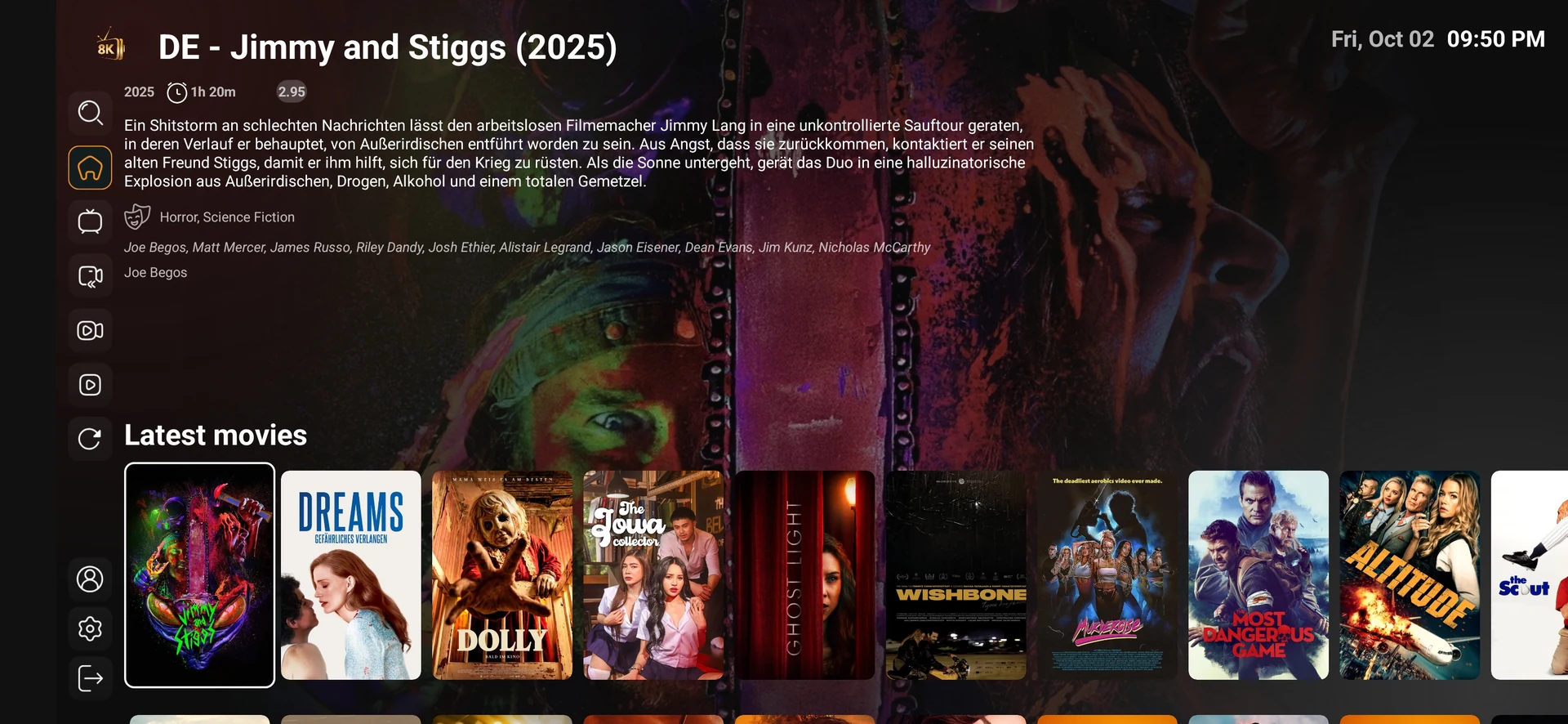
The expected account is active and the player reaches its intended categories without showing an authentication error.
For this account login and activation checklist workflow, preserve the exact 8K Player VIP+ build and source information. If support confirms a different installation or login method, record that instruction with the date instead of treating another similarly named player as interchangeable.
Avoid an unnecessary reset
Repeated failed logins, guessed server addresses and public credential screenshots create extra problems without establishing the cause.
Preserve a supported settings backup or a private account record before clearing app data. A cache action, update and complete reinstall have different effects. Keep the account, source and network stable while testing an app-specific change.
Read the login stage correctly
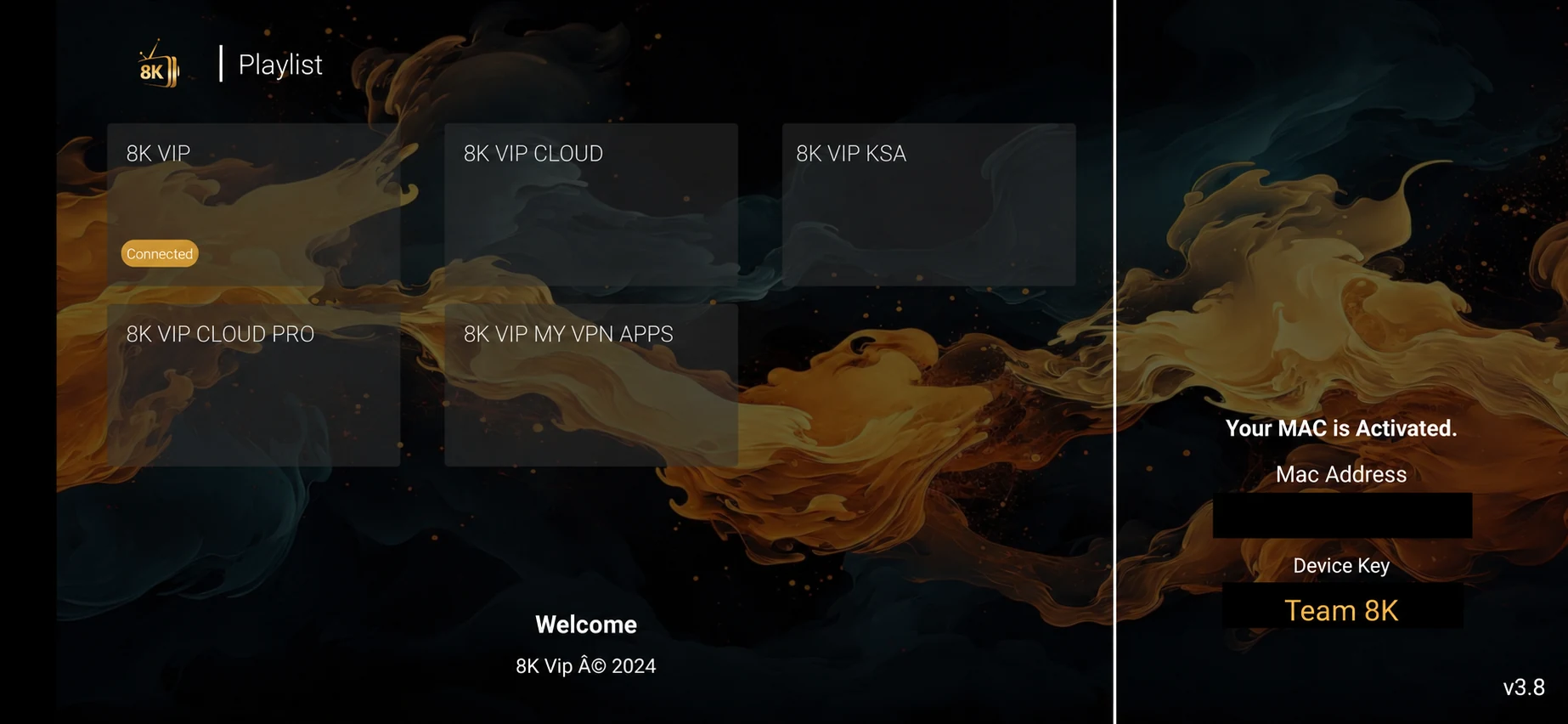
There are several stages between an installed application and a playing programme. A player can require a developer licence, a service login or a device registration. The words activation and login are sometimes used for more than one of these steps, so ask what the current screen is actually requesting. Do not pay for a second item until you know whether it is a player charge or an account term.
If the issued login has separate server, username and password fields, compare them character by character with the private source message. A copied space at the end of a field, a missing port or a saved older server can prevent access. Avoid guessing whether an address needs a suffix: use the exact format confirmed for the installed player.
If support issued a portal or registered device route, the evidence is different. Identify the device model and approved identifier through the private route, and confirm the exact portal. Do not send a full screenshot with visible passwords merely to demonstrate the type of login screen. A concealed screen and exact error text are enough for the initial question.
| Observed result | Useful next action |
|---|---|
| Screen requests an app licence | Confirm the player developer charge separately from the subscription. |
| Server field is missing | Ask whether this player uses a playlist, portal or another registration route. |
| Authentication error appears | Check the exact account fields and expiry. |
| An old account appears automatically | Check saved profiles and autofill before entering another set of details. |
| One device signs in but a second fails | Stop the first session and confirm the allowed connections. |
| Portal opens without categories | Confirm device registration and the issued account package. |
Ask a precise player question
Use WhatsApp +44 7532 814802 or [email protected]. Include 8K Player VIP+, the installed version, exact device, source or error and approximate time. Keep complete credentials and private playlist URLs concealed.
If the intended question is the current download destination, mention the code 1388878 and ask for the supported build. If the intended question is access, confirm the account format and term separately from the application.
Related service context: compare account and setup information directly at 8kiptv.io. The 8K Player VIP+ interface and current download build should be confirmed separately.
Useful answers
Questions before you continue
What identifies this 8K Player VIP+ entry?
The code is 1388878, dated 2026-05-29. Ask about the current build.
What should I change first?
Match the issued account format to the fields actually offered by the installed player. Keep one controlled comparison.
Is an app licence the service subscription?
No. Developer licensing and the service account are separate; confirm both where relevant.
Installed the app?
WhatsApp us for a one-day free trial.
Tell us your device, 8K Player VIP and the account option shown in the player. Support supplies the correct trial login and confirms availability.
Continue with the relevant guide
Useful next steps
Guide
Device setup directory
Check the exact platform before installing.
Read the guideGuide
Player names and codes
Find the provider-listed app entry.
Read the guideGuide
Support by symptom
Collect a focused report before changing everything.
Read the guide